
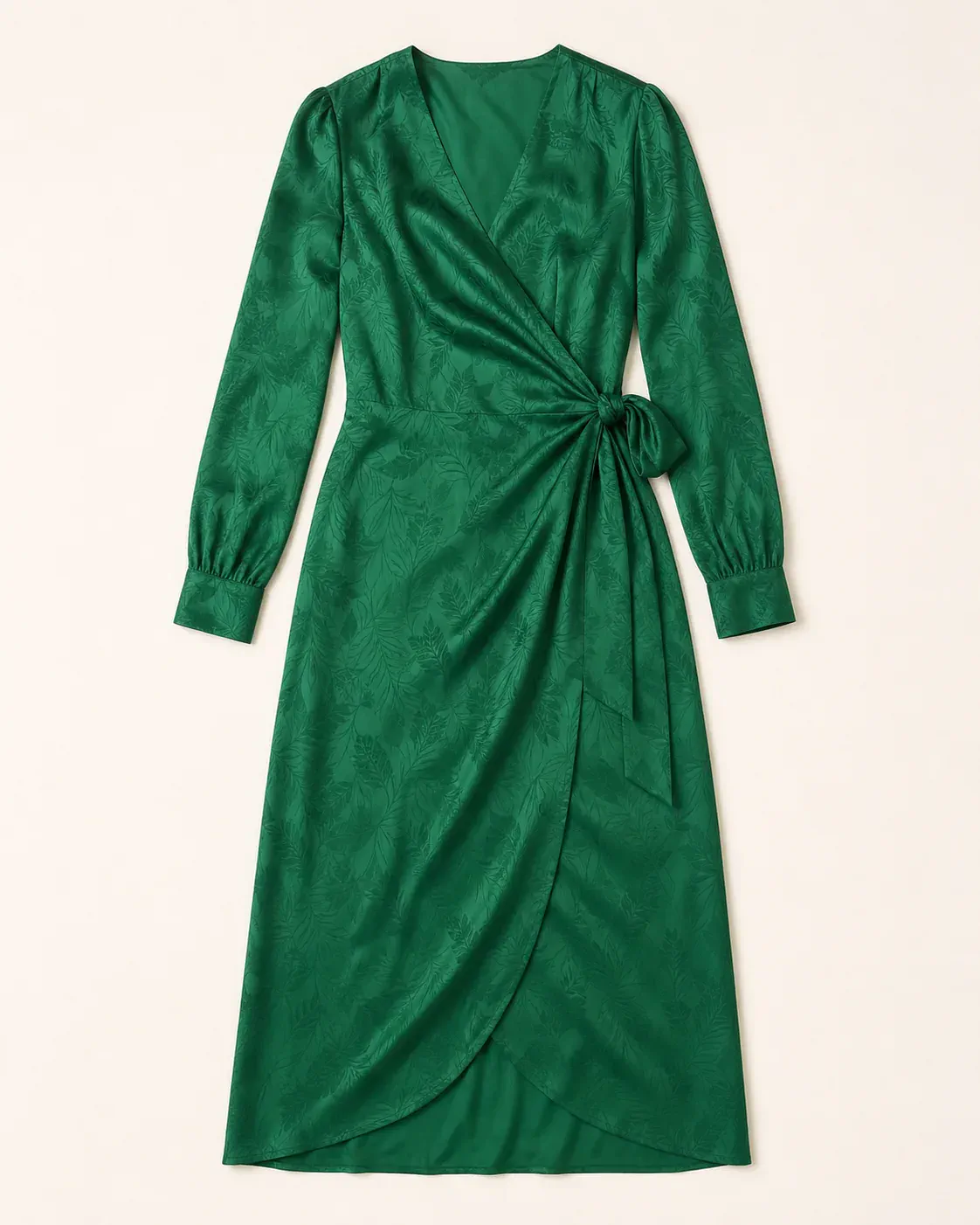
01Source garment
A clear flat lay
The color, wrap construction, waist tie, cuffs, and tonal jacquard give AI concrete product details to preserve.
AI fashion model generator
Turn a flat lay, hanger photo, or existing product image into an on-model ecommerce or marketing visual. Choose the model, body type, pose, and scene while keeping the garment recognizable.
Choose a direction for the model and final product image.
Selected direction
East Asian · Woman · Average · Three-quarter · Soft studio
Your upload is processed securely and saved to your account.
One garment, more possibilities
Start with one recognizable garment, then adapt the model and setting for a clean product page or a more expressive campaign.
The color, wrap construction, waist tie, cuffs, and tonal jacquard give AI concrete product details to preserve.
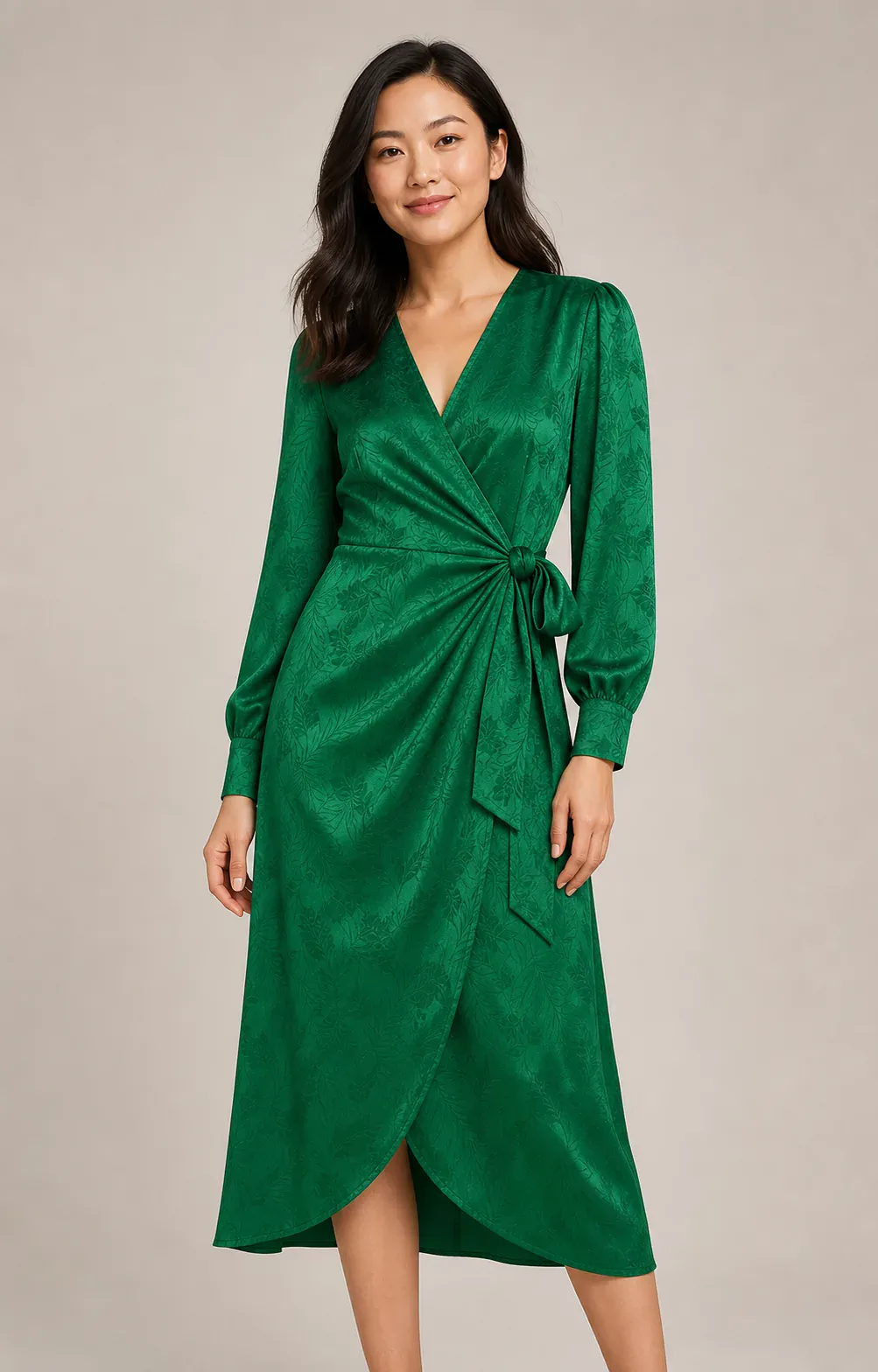
A neutral studio and relaxed pose keep attention on fit, drape, texture, and the complete silhouette.
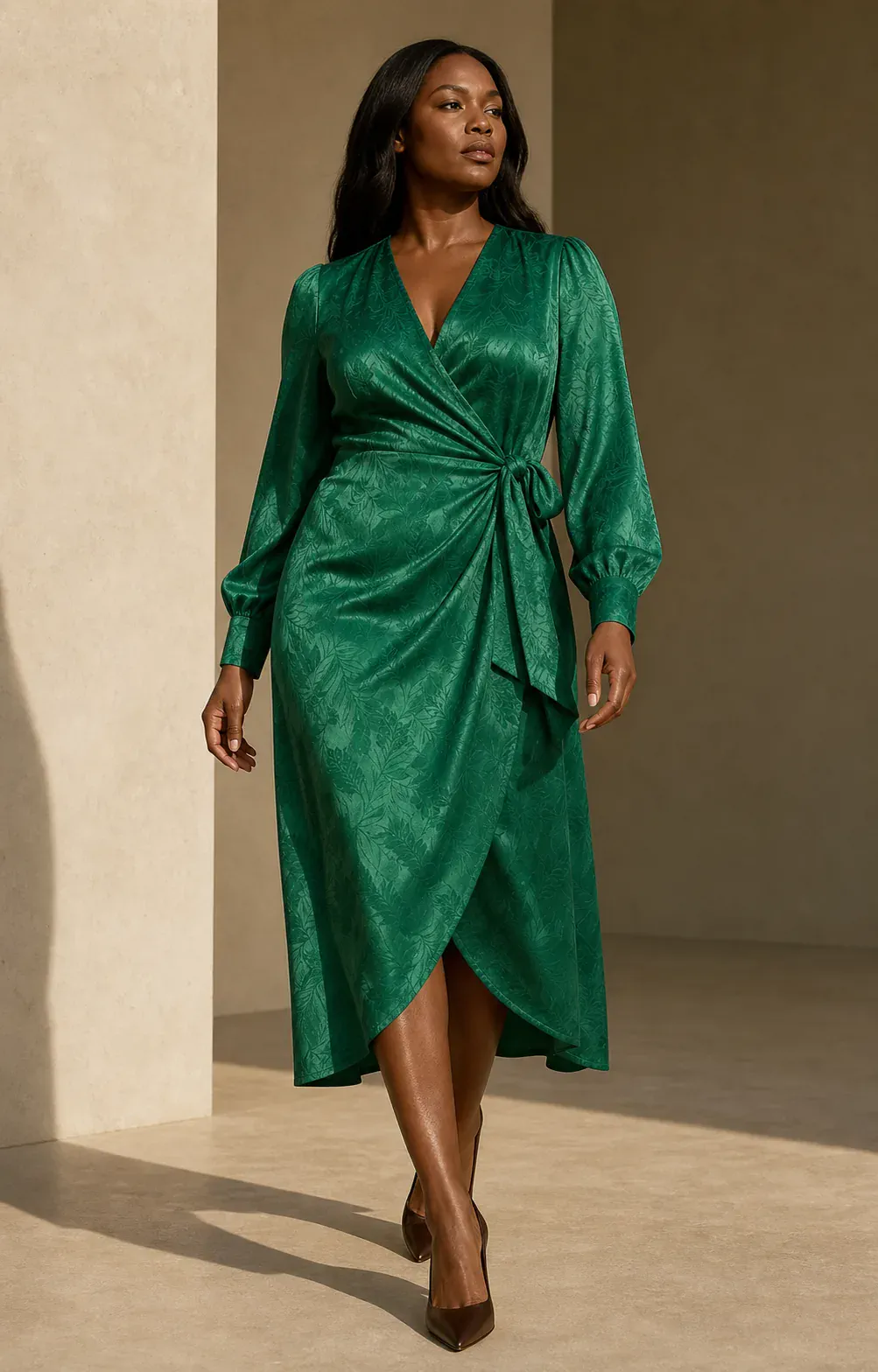
A new model, confident pose, and architectural light create a distinct campaign image without losing the garment.
From garment to campaign
Create an on-model image without arranging a full photoshoot.
01
Start with a clear, complete view of the clothing. Simple lighting and visible edges give AI better product evidence.
02
Choose the appearance, gender, body type, pose, and scene that fit your storefront or campaign.
03
Create a 4:5 on-model image, review garment accuracy, and download the result for your next layout.
Product-first results
The dedicated fashion prompt treats your upload as the product source of truth. It asks AI to preserve the garment while fitting it naturally to the selected model.
Questions
What to know before creating an on-model clothing image.
Use one sharp, well-lit image showing the complete garment. Flat lays, hanger photos, ghost mannequin images, and existing product photos all work when edges and details are visible.
The generation prompt explicitly preserves color, pattern, texture, seams, cut, and logos. Always review the final image closely when exact product evidence matters.
Yes. You can choose appearance, gender presentation, body type, pose, and a studio, lifestyle, street, or campaign setting.
The 4:5 output is suitable for many product pages, marketplaces, ads, and social posts. Check each channel’s requirements and review the generated garment before publishing.
Yes. AI fashion model generator is the primary name for this tool, while AI clothing model generator describes the same on-model clothing workflow.
Create your first look
Upload one clear garment image and direct the complete on-model scene in a few choices.