
Beginner essential kit
Product photography equipment: build the kit your shoot needs
Build a capable product photography kit without overspending on gear that does not fix the image problem in front of you.
Begin with what you already own. Identify the visible limitation—movement, uneven light, reflections, working distance, unsafe support, or inconsistent results—before you borrow, rent, or buy anything.
This guide maps six essential equipment roles to those problems, so you can assemble a practical tabletop kit and know exactly what an upgrade must improve.
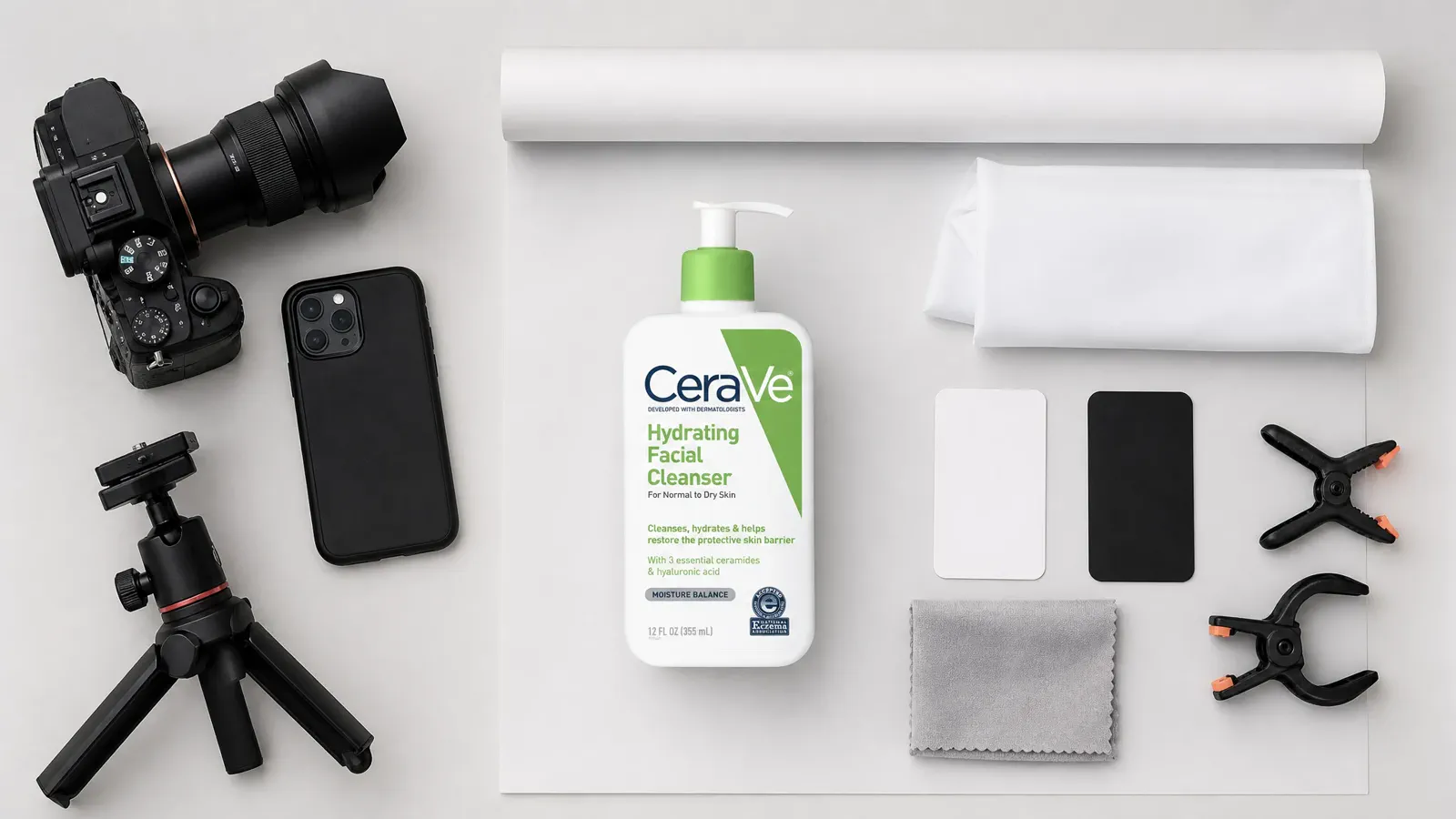
Beginner kit builder
Build the kit backward from the image job
Define the product, space, destination, current equipment, and observed problem before deciding what to use, borrow, rent, or buy.
0 items selected for the next test or capture record.
Test before buying
Find the actual limit in what you already own
Use the same product, position, crop, light condition, and review size. Change one part of the kit at a time and keep the result record.
Stabilize the current device
Support the phone or camera, use a timer or remote release, and retest sharpness before assuming the camera body is the problem.
Check working distance and close focus
Frame the required product area without distortion, then inspect defining detail. Record whether the current lens or device can focus at a practical distance.
Control the existing light
Use one broad source, control mixed ambient light, and test diffusion or a reflector before buying another lamp.
Inspect background and support
Confirm the surface stays clean, covers the crop, supports the product safely, and can be reset without changing the geometry.
Review the exported file
Inspect focus, color, material, label detail, edges, reflections, crop, and compression at full size and at the real placement size.
One complete kit
Assemble six equipment roles for a tabletop task
The role matters more than the brand. Document the item used, why it is sufficient, its limitation, and the signal that would justify an upgrade.
Capture
A phone or camera that can hold the required framing, focus on the defining area, preserve useful detail, and export a reviewable file.
Stability
A rated tripod, phone clamp, copy stand, or other secure support that fixes height and angle without placing people or products at risk.
Surface and background
A stable table or platform plus clean material large enough for the crop, product, camera angle, and safe handling.
Controllable light
A window or artificial source that can be used under recorded conditions. Consistency and control matter more than adding raw brightness.
Light shaping and product support
Diffusion, reflector, flag, tape, clamps, cleaning tools, and safe supports chosen to solve a visible edge, shadow, reflection, or positioning problem.
Review
A calibrated-enough display, full-size inspection process, reference product facts, file naming, backup, and a checklist for the intended destination.
Evidence-based upgrades
Upgrade only when a test exposes a limit
Record the failing baseline, change one named constraint, repeat the same review, and approve, revise, or reject the upgrade hypothesis.
| Observed limit | Test before upgrading | Possible next role |
|---|---|---|
| Movement or inconsistent geometry | Secure the current device and product, use marks and a timer, then retest. | A more stable or better-rated support when the current option still moves or is unsafe. |
| Insufficient close detail | Test working distance, focus, support, light, and final required output before changing lenses. | A capture option with suitable close-focus behavior only when the current system cannot resolve the needed detail. |
| Inconsistent or uncontrollable light | Control ambient sources and test diffusion, distance, and reflectors under recorded conditions. | A more controllable source, modifier, stand, or larger footprint when the current light cannot be repeated. |
| Unmanageable reflections or edges | Increase diffusion and flag space and change one position at a time. | Larger modifiers, flags, stands, or a specialist setup when the room cannot control the visible environment. |
| Unsafe support or overloaded hardware | Stop the setup and verify load, center of gravity, locks, and manufacturer guidance. | Correctly rated support and safety equipment; never “test through” an unsafe condition. |
| Slow, inconsistent catalog resets | Add marks, jigs, reference frames, naming, and reset steps and measure the remaining variation. | More repeatable support or workflow equipment when process controls do not solve the bottleneck. |
Compatibility and safety
Check this before you buy, borrow, or rent
Compatibility
Confirm mounts, clamps, power, modifier fit, cable and trigger behavior, device weight, working distance, and software or file requirements.
Rated support
Check payload, center of gravity, counterweight, lock quality, stand footprint, overhead risk, and the manufacturer’s safety guidance.
Room fit
Measure the equipment in the real shooting position, including diffusion, flags, background, camera travel, operator access, and storage.
Repair and replacement
Consider whether a failed part can be replaced independently, whether the system locks you into incompatible pieces, and whether critical spares are available.
Return, rental, and test plan
Define the product, setup, comparison frame, acceptance criteria, and review date before the equipment arrives.
Use the right owner
Equipment cannot solve every production problem
Move to a deeper guide when the observed limit is arrangement, light behavior, or camera control rather than the equipment role itself.
Place the kit
Use the setup guide to define the product, camera, background, light, and reflector or flag positions.
Control light behavior
Use the lighting guide to diagnose source size, direction, contrast, reflections, and material response before buying another light.
Test exposure and focus
Use the camera-settings guide when stability and light are controlled but exposure, motion, depth of field, or focus still fails.
Questions that need judgment
Frequently asked questions
These answers cover the exceptions and review tests that still depend on context.
Do I need a macro lens for product photography?
Only when the required detail, reproduction size, working distance, and product size exceed what the current lens or device can deliver. Stabilize the camera, provide enough light, frame the required area, focus carefully, and inspect the final output first. If you cannot fill the needed frame or resolve the defining detail at a practical distance, test a suitable close-focus option under the same conditions rather than choosing a universal focal length.
What support is safe for an overhead product photo?
Choose a tripod, boom, overhead arm, or copy stand from the actual payload, center of gravity, locking method, stand footprint, counterweight, and manufacturer guidance. Secure every connection, keep people and products out of the fall zone, remove trip hazards, and never work beneath an unsecured camera or modifier.
Should I buy a bundled kit or individual pieces?
Use the documented failure and compatibility test. A bundle can be convenient when its stands, mounts, modifiers, controls, footprint, and output solve the same task. Individual pieces can be easier to replace or upgrade. Reject either option if weak support, incompatible mounts, poor control, or redundant items leave the observed problem unsolved.
Your next image does not need more gear
Create more commercial visuals with the product photo you already have
If your phone or camera photo shows the product clearly, you already have enough to start. Use Adyvi to create ecommerce, lifestyle, and campaign directions without buying equipment for every new look.
Create more visuals from my product photo