
 MADE WITH ADYVI
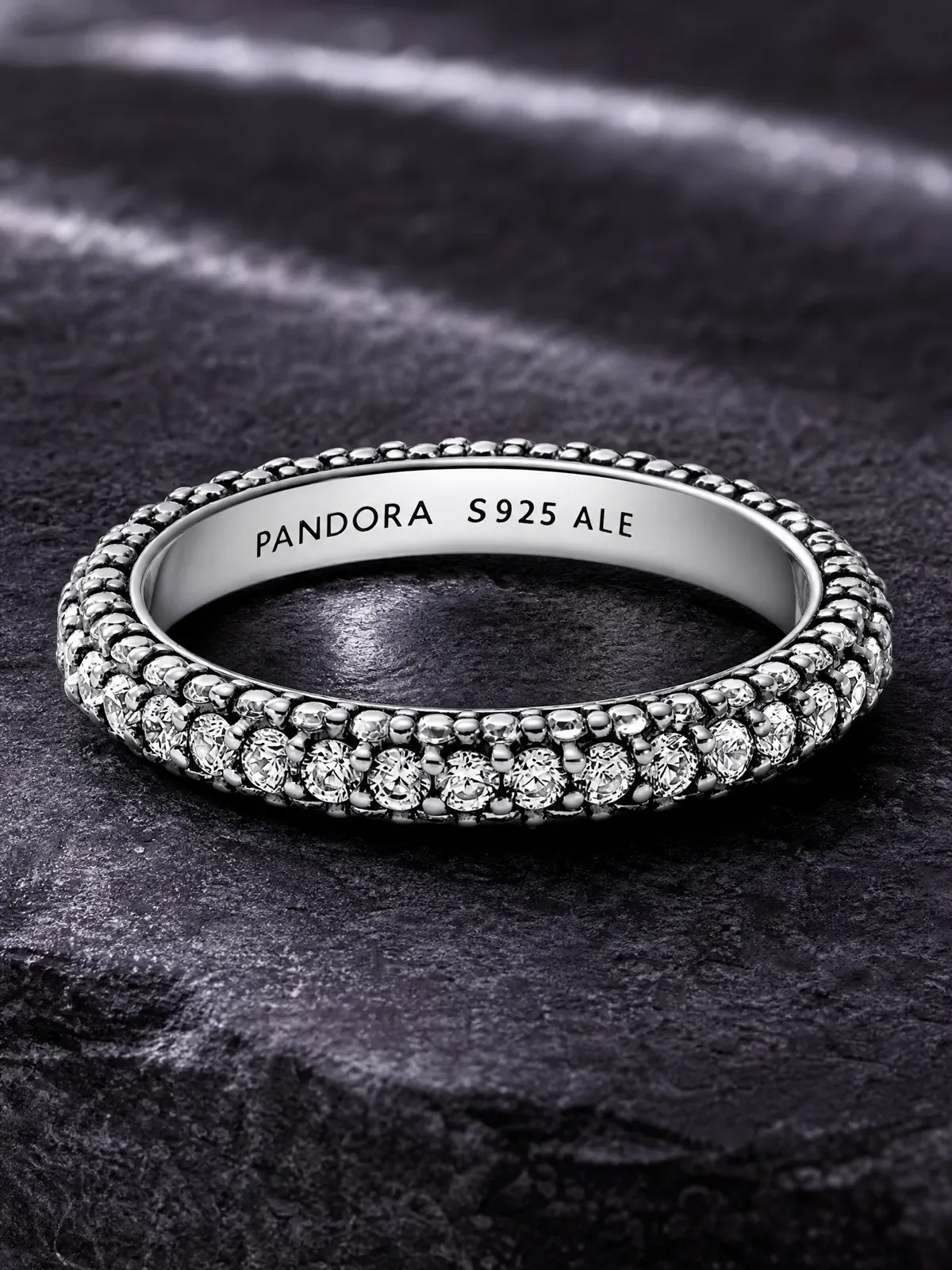
RING
Make the setting inspectable
Use a close three-quarter angle when profile and stone placement drive the buying decision.
JEWELRY MATERIAL PROOF
Glare, dark props, and a busy scene can make a small piece disappear. Start with one clear photo, name the metal, stone, or detail shoppers should notice, and create a setting that supports it.
 MADE WITH ADYVI
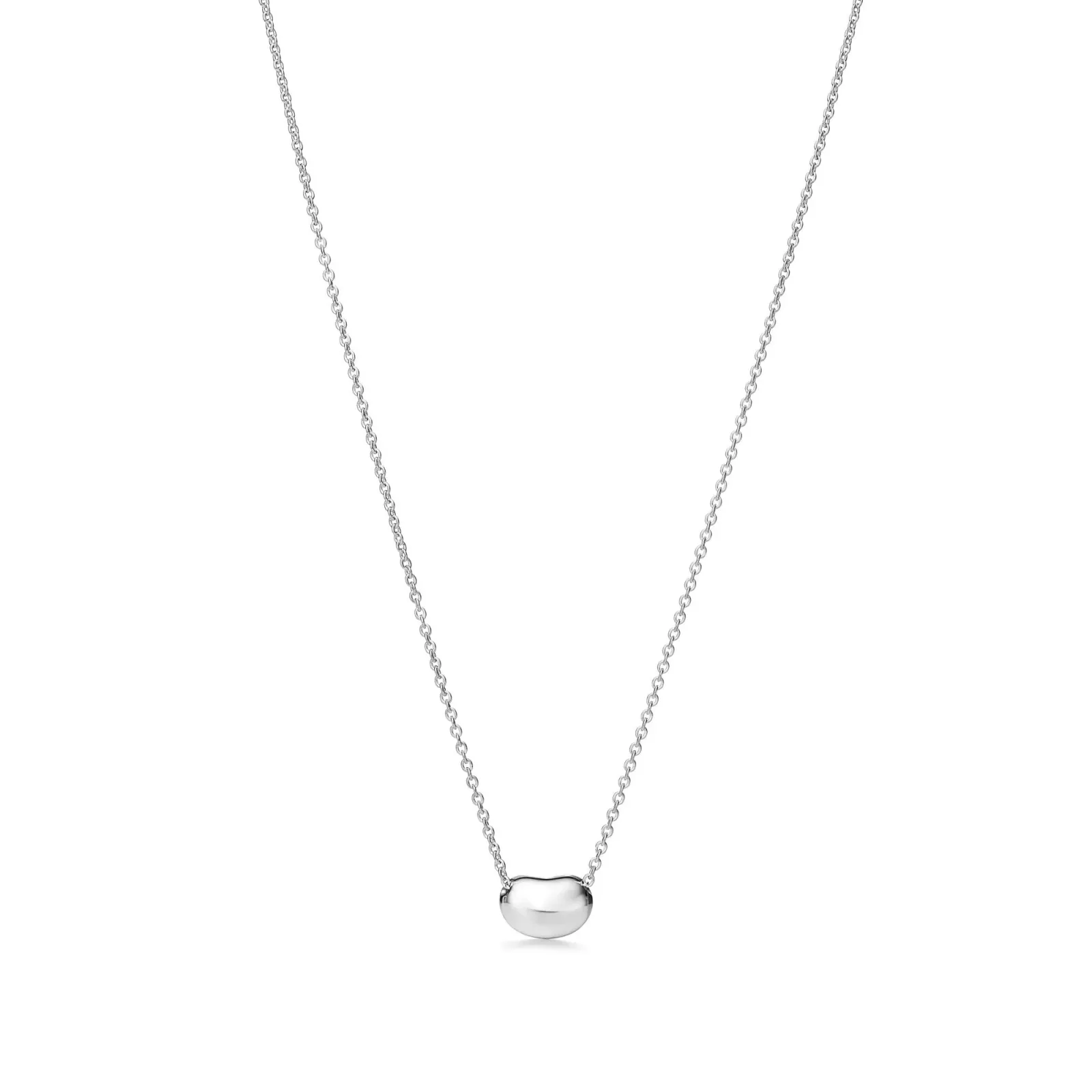 Original product photo
MATERIAL AND PIECE PROOF
A silver ring needs controlled highlights across its setting. A fine necklace needs the chain and pendant to stay separate. A polished earring pair needs spacing that explains its front, curve, and fastening.
MADE WITH ADYVIRING
Use a close three-quarter angle when profile and stone placement drive the buying decision.
 MADE WITH ADYVI
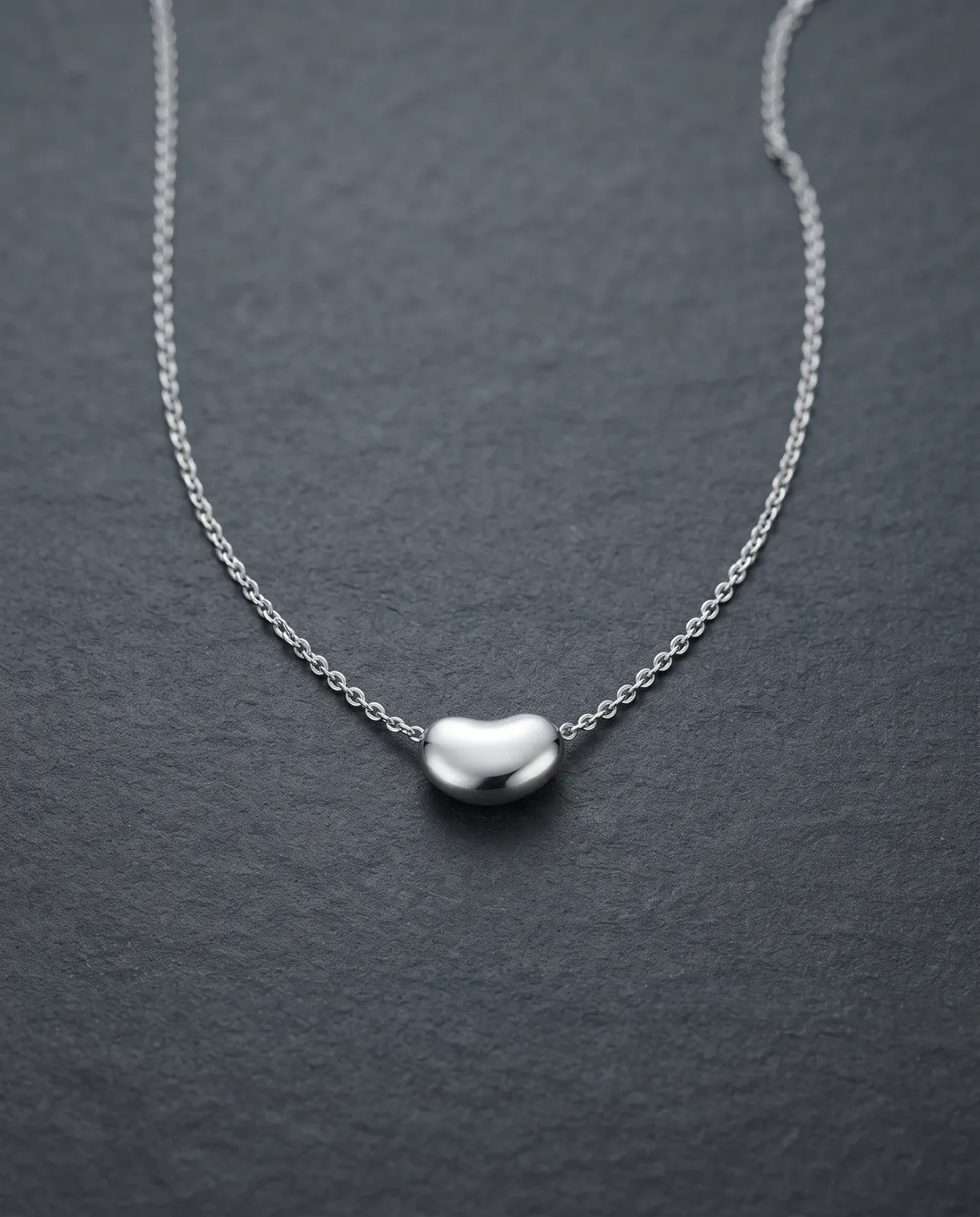
NECKLACE
A restrained pale surface keeps the chain line visible without competing with the pendant.
 MADE WITH ADYVI
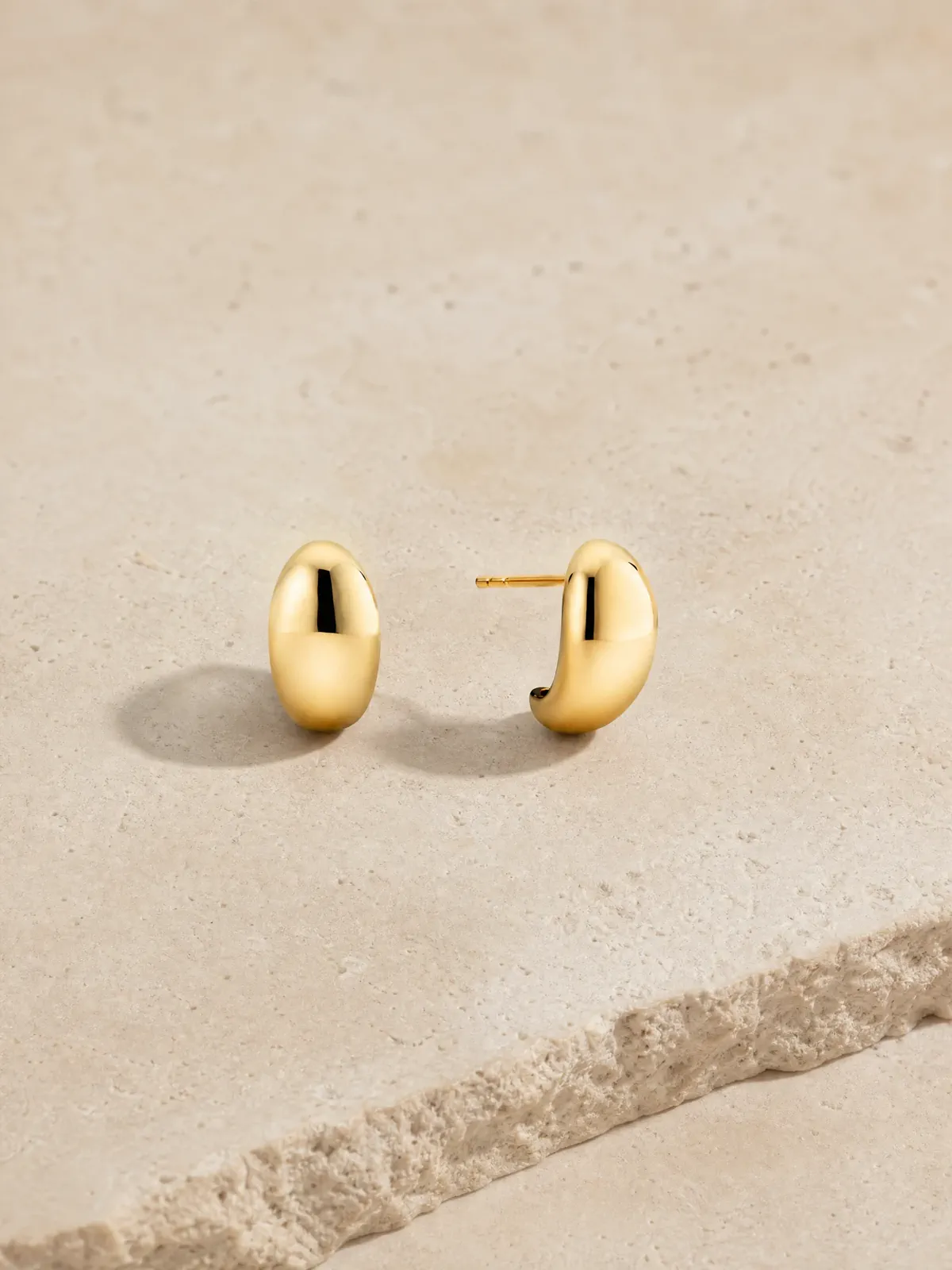
EARRINGS
Complementary angles reveal the polished front, curve, and post in one frame.
ONE PIECE, TWO JOBS
Choose immediate product clarity for a listing, or controlled atmosphere for a launch and campaign. The setting changes; the piece stays connected to the source.
 MADE WITH ADYVI
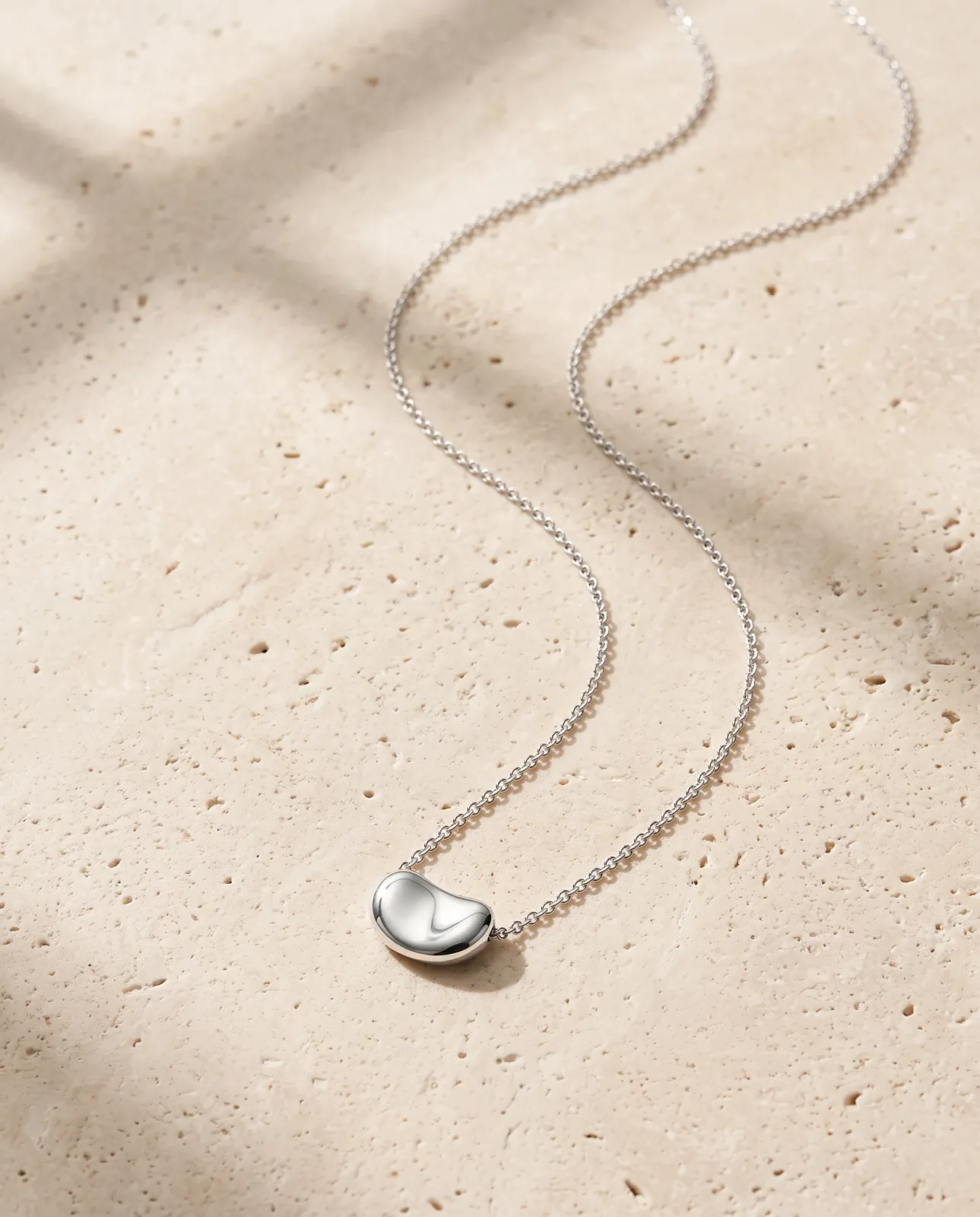
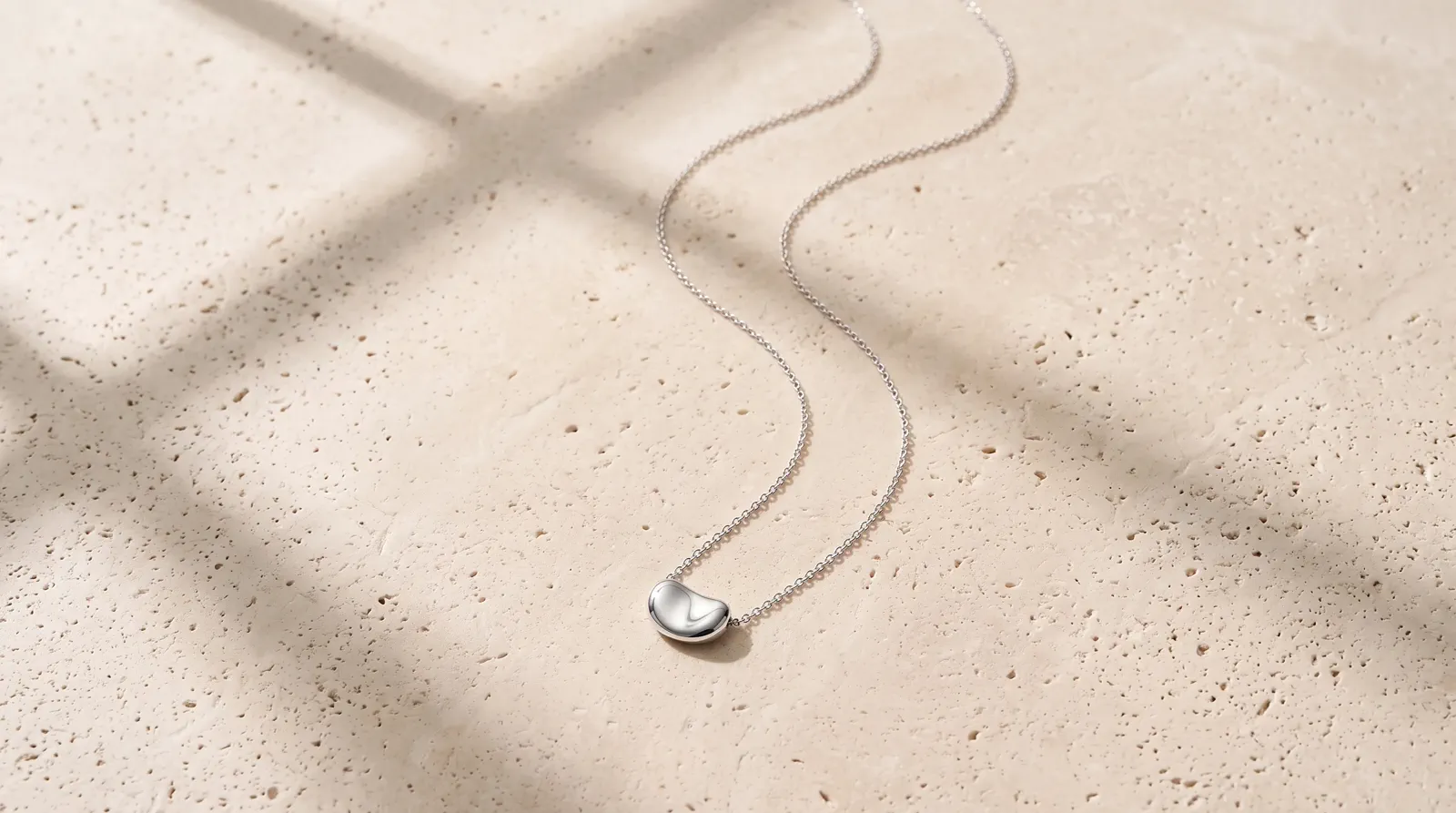
CLEAN DIRECTION
Pale stone and soft light make the complete pendant easy to scan.
DIRECTION
“Pale stone, soft light, complete pendant visible.”
 MADE WITH ADYVI
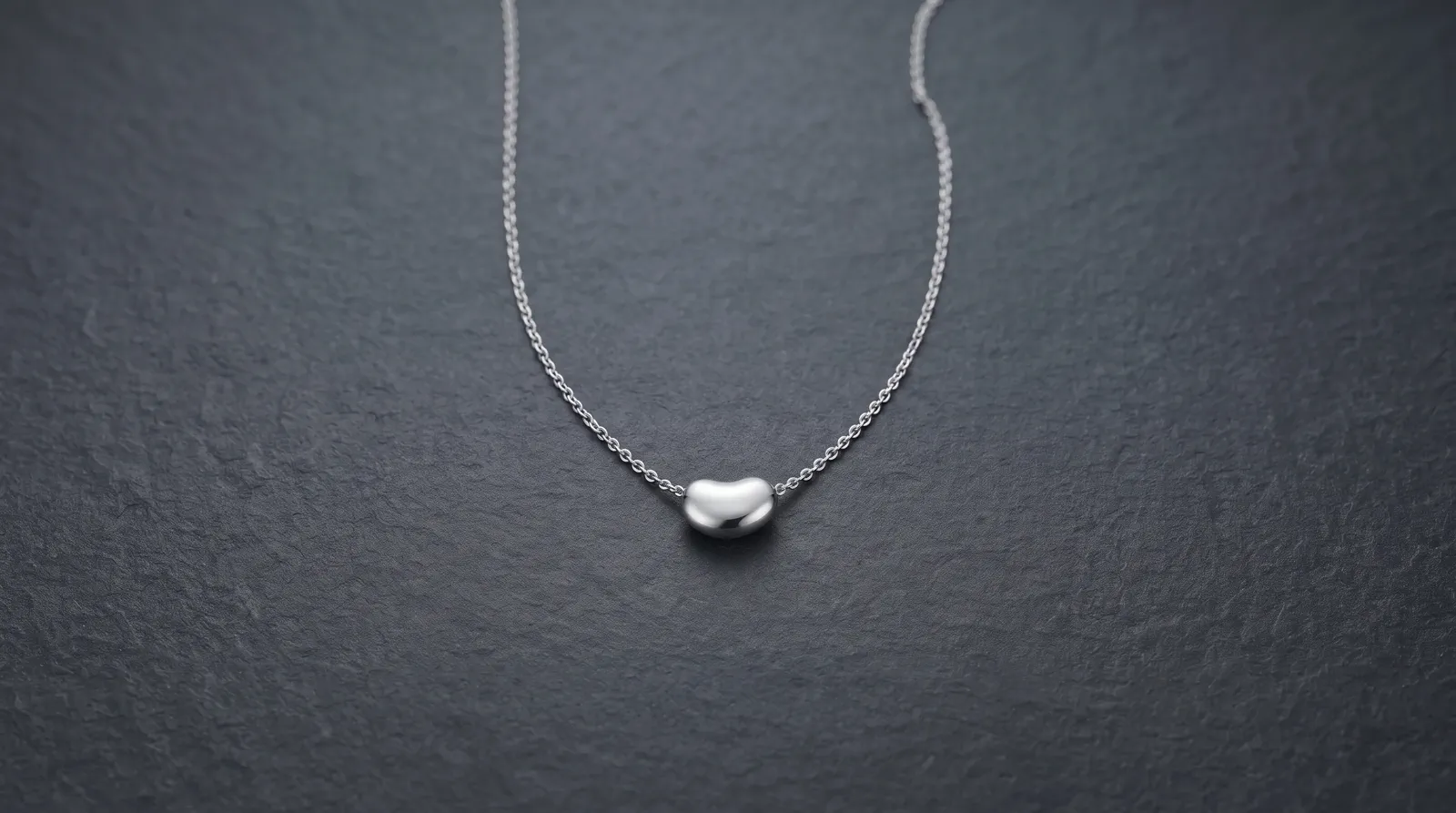
EDITORIAL DIRECTION
A dark surface and side light add mood while keeping the silhouette readable.
DIRECTION
“Dark stone, gentle side light, silver edge highlights.”
CUSTOMER EVIDENCE
These comments show three different outcomes: surface readability, focal-detail emphasis, and real marketing use.
“I described a soft dark background with gentle side light, and the result let the metal and the small stones stand out instead of getting lost in a busy scene.”
Priyanka_Sethi
Adyvi customer
“The engraving on the band was already in my photo, so I asked for it to be emphasized. In the result it was the first thing my eye landed on.”
Noah_B
Adyvi customer
“I downloaded the finished image and used it in our product launch email. It went straight into real marketing, not just a mockup.”
Sofia_L
Adyvi customer
CREATE IN ADYVI
Add the product, describe one visual priority in ordinary language, choose the output, then compare the result with the source before refining or downloading it.
01 · YOUR PRODUCT
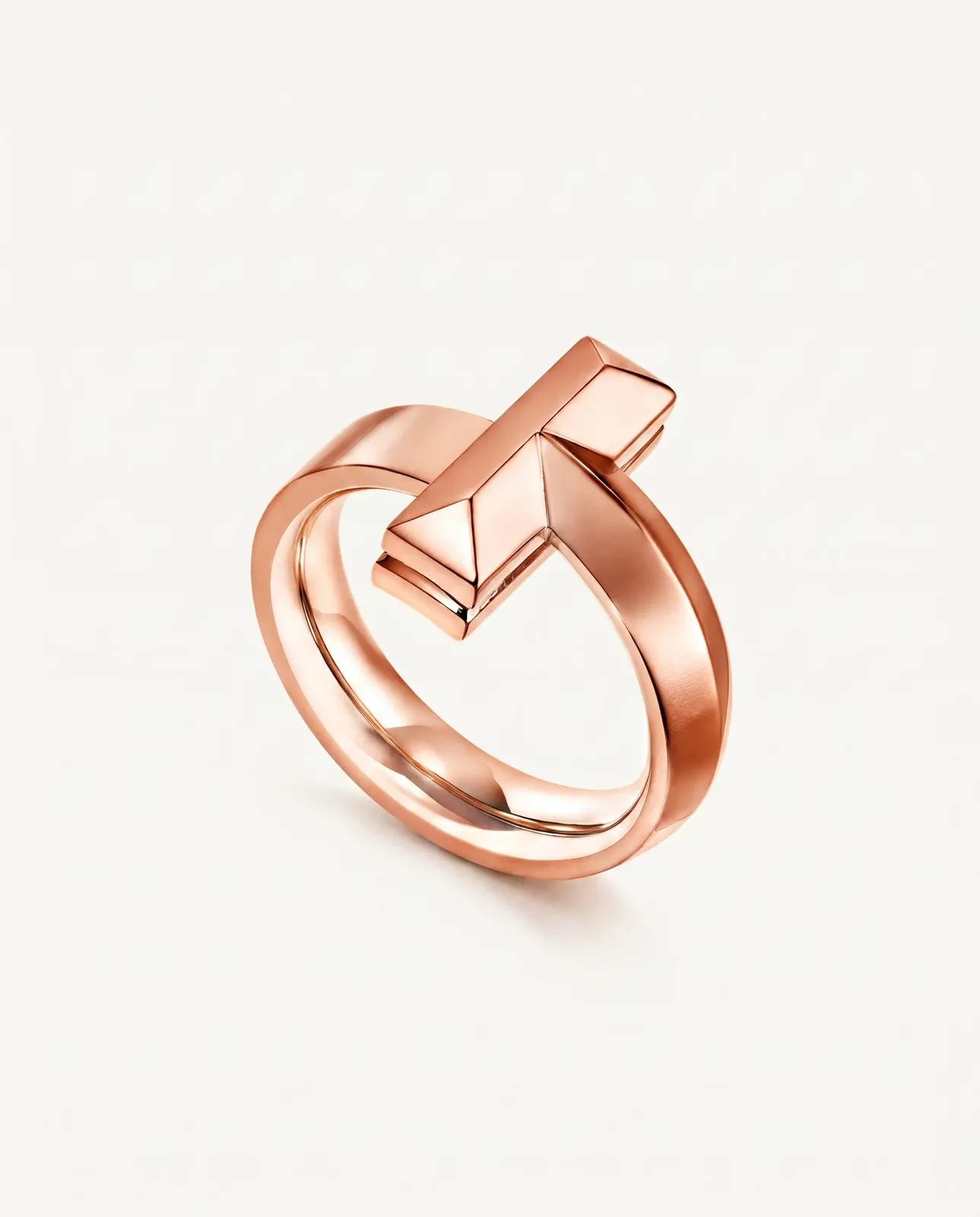 Starting product image
Start with one complete, clear product image that shows the surface that matters.
02 · DESCRIBE THE JOB
“Place the rose-gold ring in a deep aubergine setting. Keep the complete sculptural shape visible and use controlled highlights to explain every plane.”
BEFORE YOU CREATE
Choose the source, light, focal detail, and commercial direction before you create.
Use a sharp image that shows the complete piece and the detail you want people to notice. Avoid clipped edges, heavy blur, or props covering the product.
Describe the reading you want—soft edge highlights, a brighter stone, or stronger separation from a dark surface—then compare the result with the source at full size.
Yes, when that detail is already visible in the source. Name it and ask for a composition that makes it the focal point.
Use a clean direction for immediate product clarity. Choose an editorial direction when atmosphere supports a launch, email, or campaign without competing with the piece.
Yes, but change the priority: rings need profile and stone emphasis, necklaces need line and spacing, and earrings need pair balance and room for small details.
CREATE WITH ADYVI
Start with one clear product photo and one visual priority.