







LISTINGS & CATALOGS
Ecommerce Product Photography
Create product photography for ecommerce pages and catalogs, from clean white-background shots to flat lays and detail views.
New users get 16 free creditsCreate your first AI product photo for ecommerce listings, lifestyle scenes, or ads.
Start nowAI PRODUCT PHOTOGRAPHY
Create AI product photos for ecommerce listings, lifestyle scenes, and product ads. Add a product image, describe the visual direction, choose the style and output settings, and review the generated result in Adyvi.
CHOOSE YOUR IMAGE JOB
Choose what the image needs to do: present the product clearly, show it in use, or support a campaign.
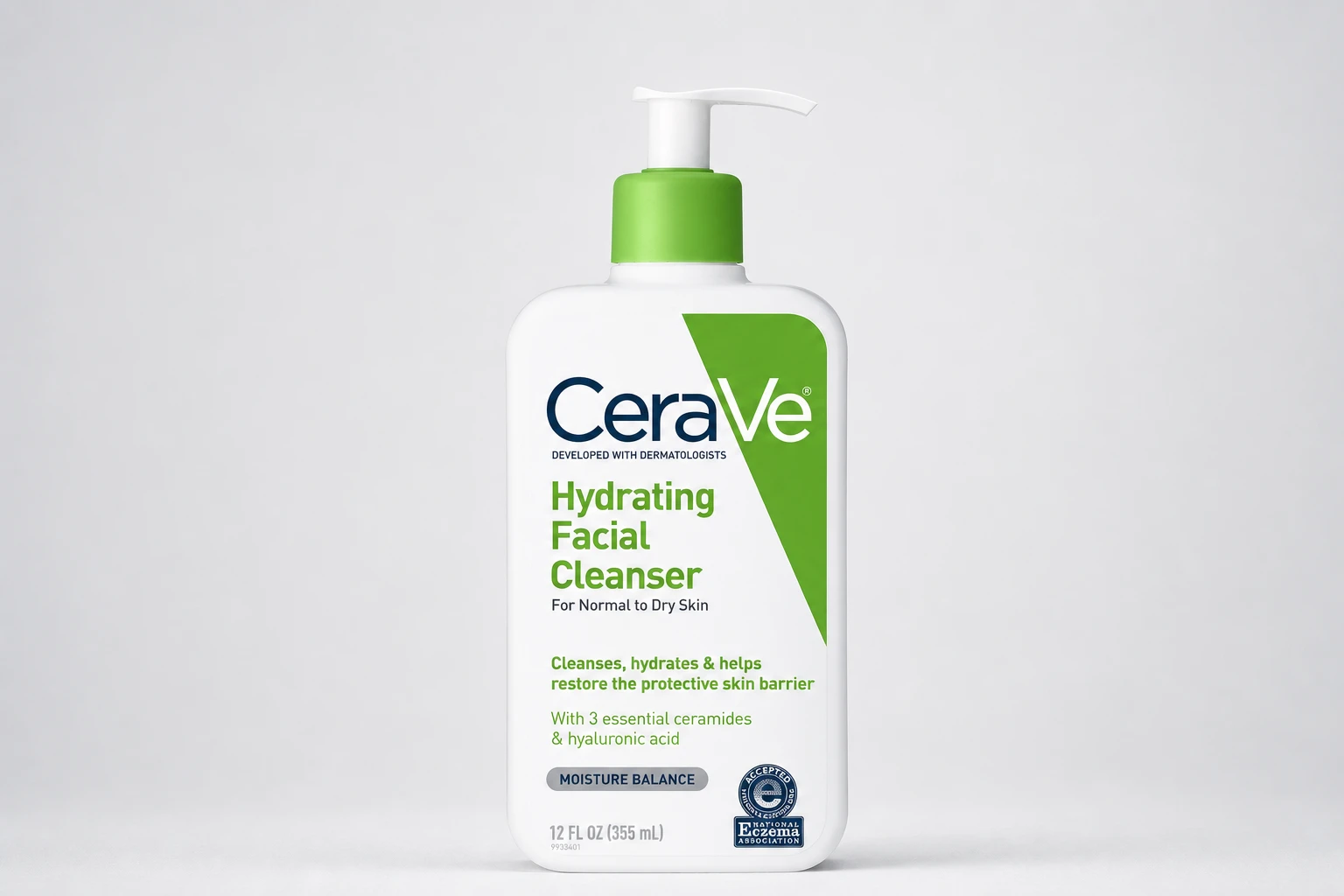
LISTINGS & CATALOGS
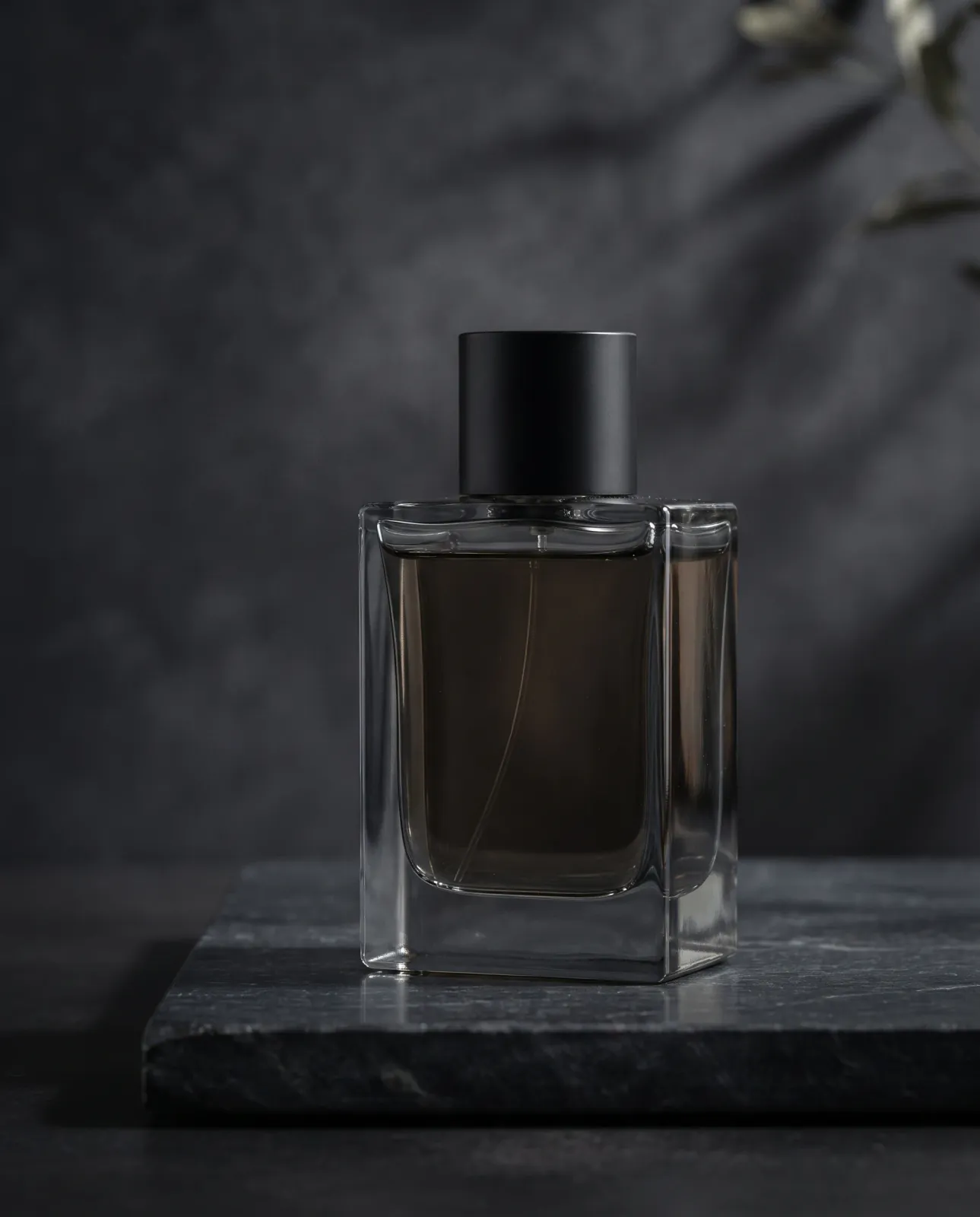
Create product photography for ecommerce pages and catalogs, from clean white-background shots to flat lays and detail views.
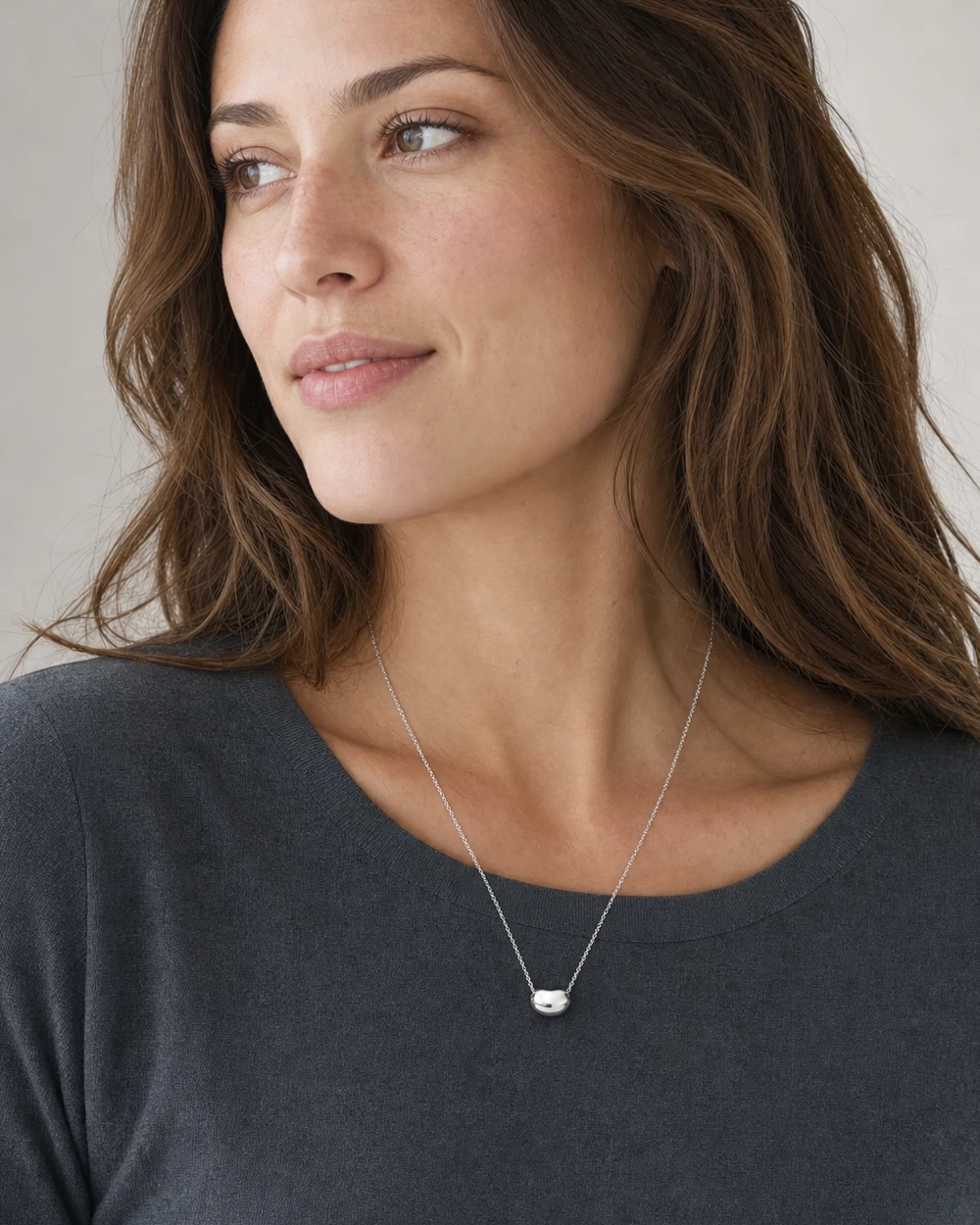
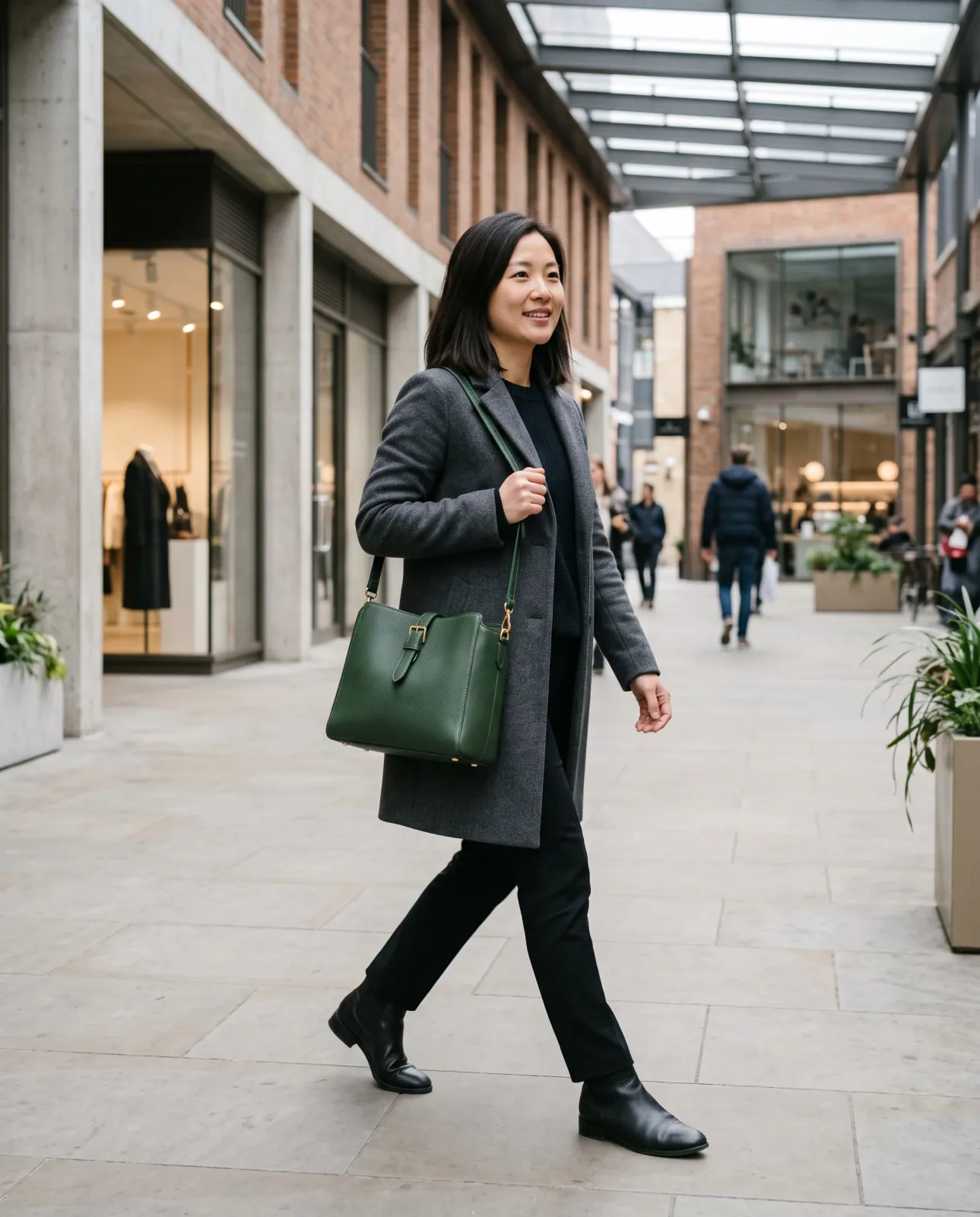
IN-USE CONTEXT
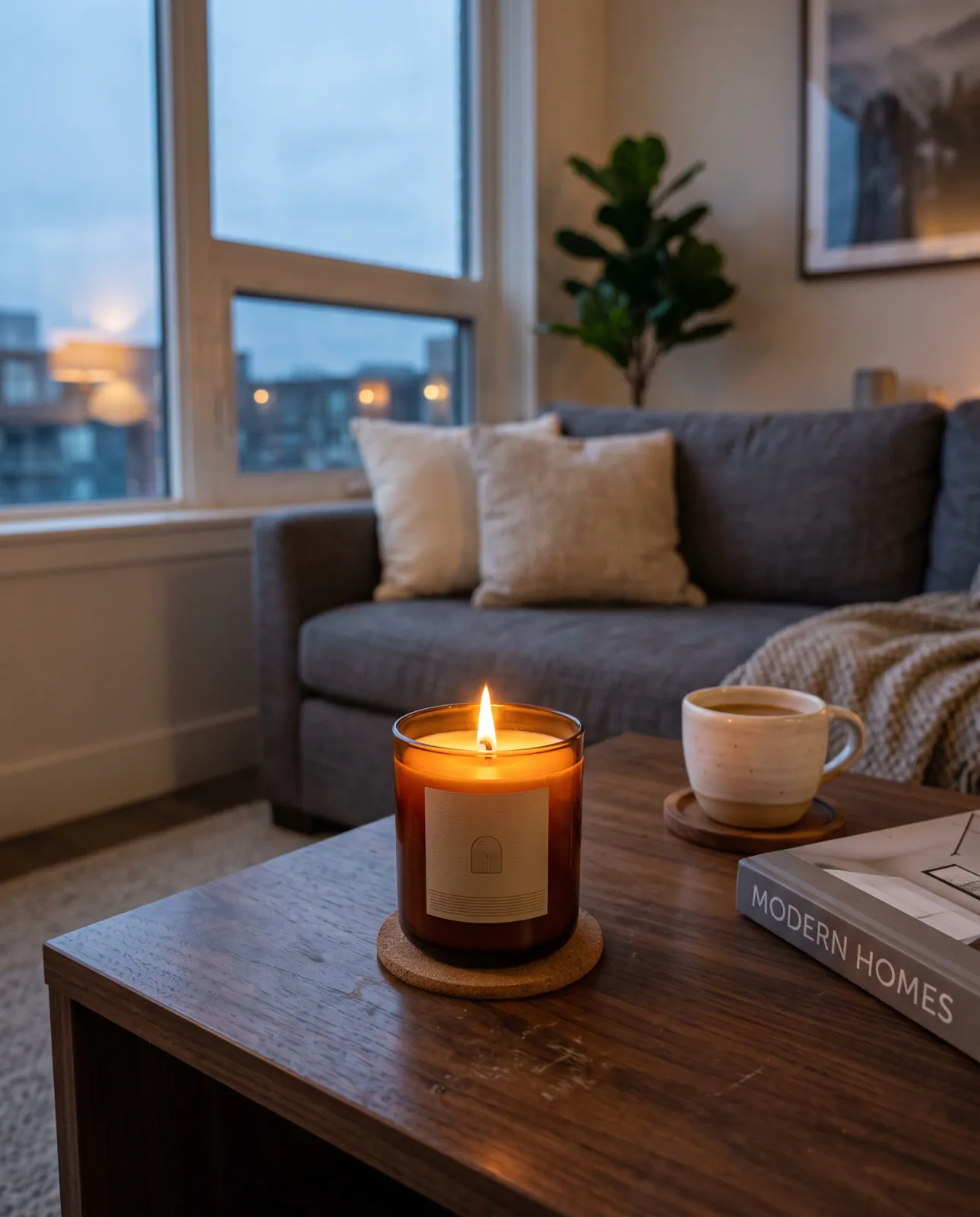
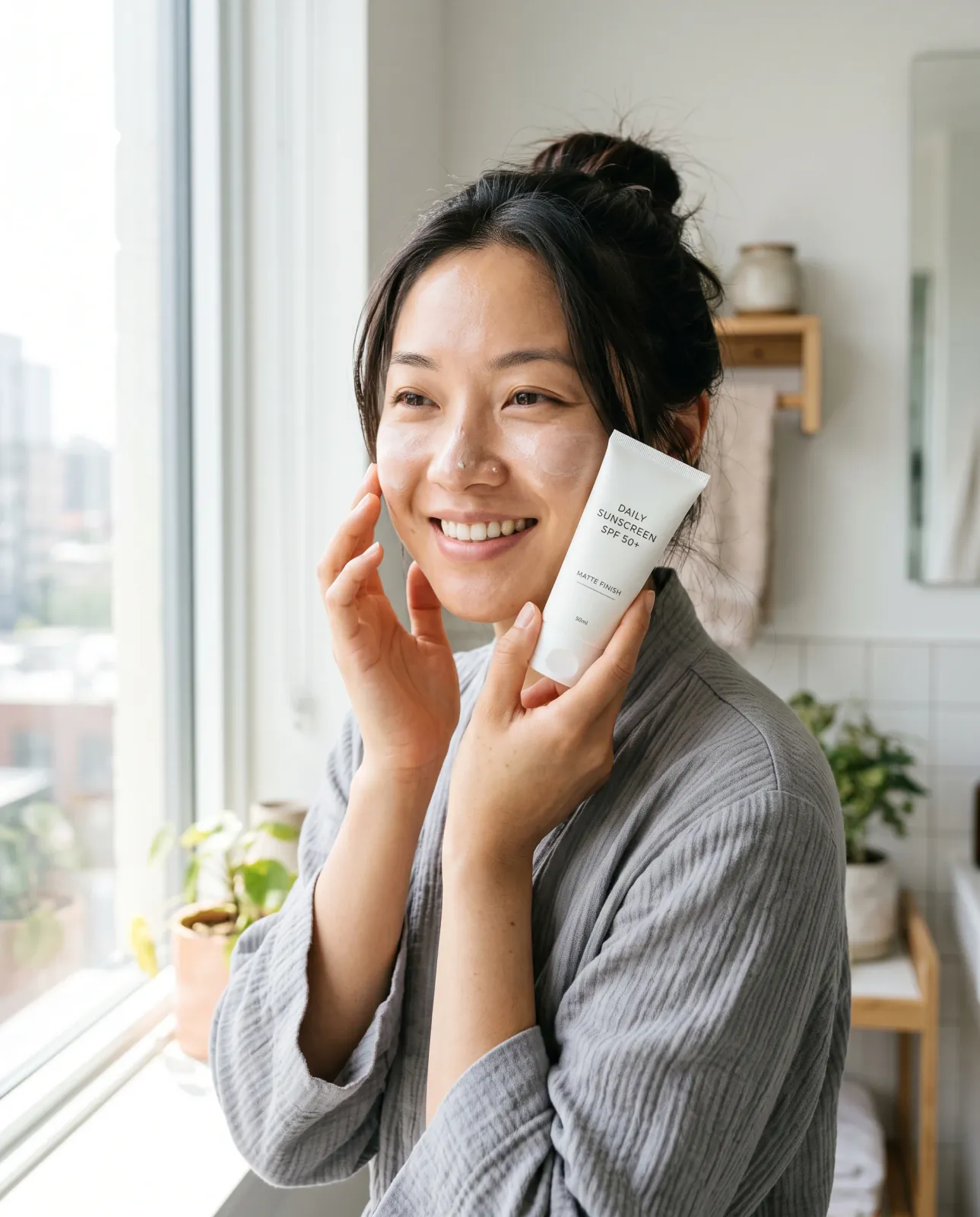
Show the product in a believable real-world setting so customers can understand its scale, fit, or everyday use.
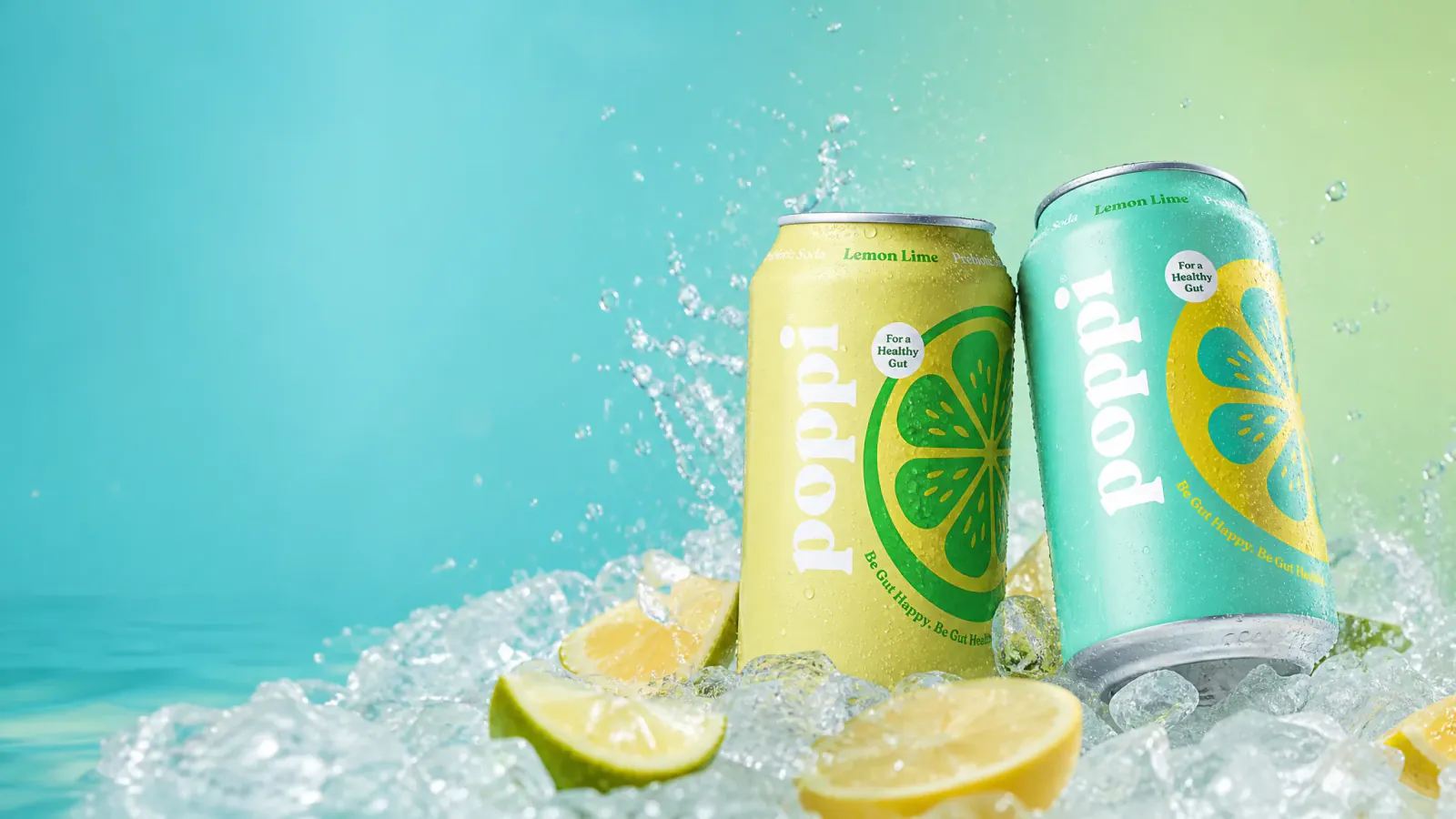
LAUNCHES & OFFERS
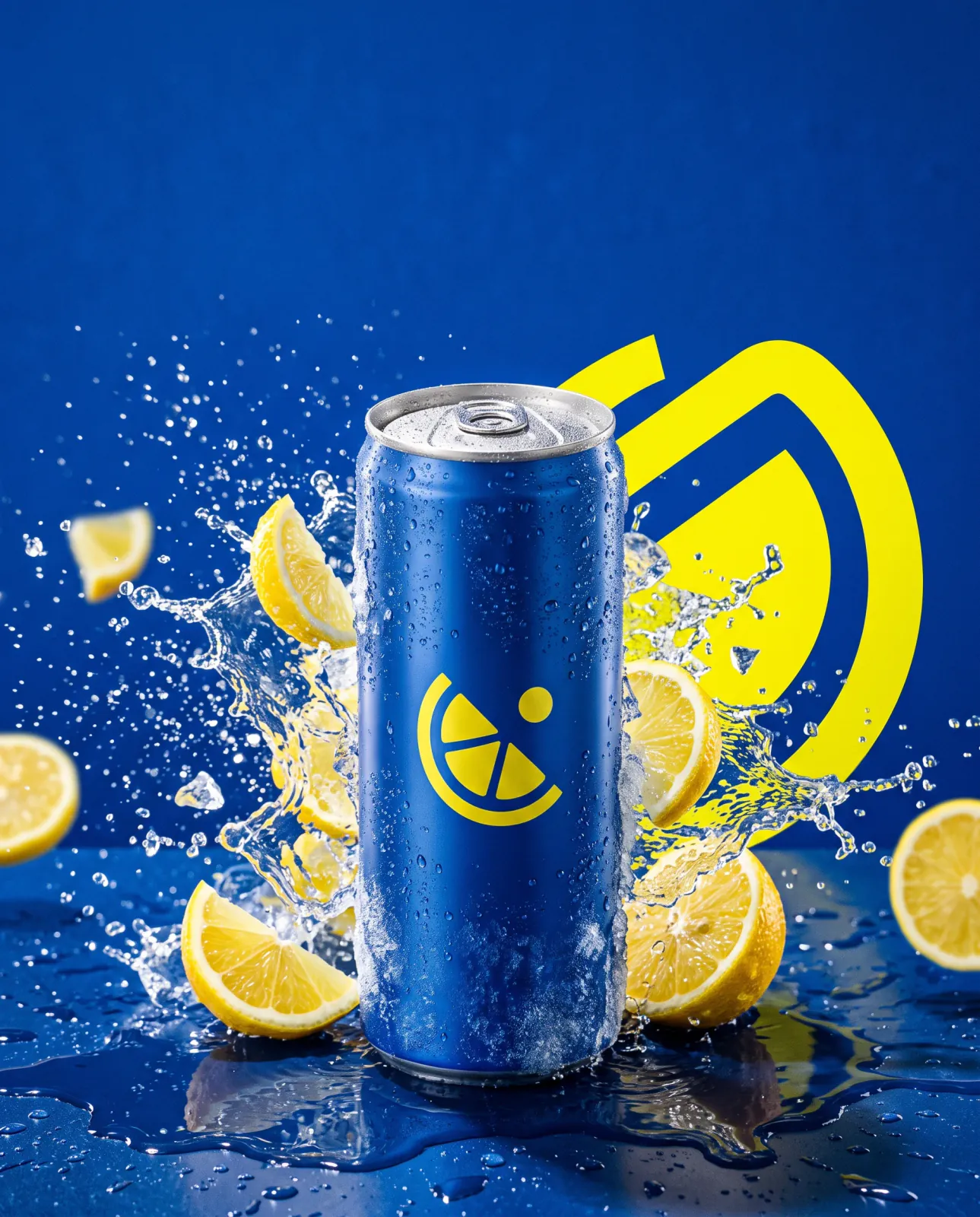
Build a product ad around a launch, offer, or brand message, with copy space only when needed.
PRODUCT PHOTOGRAPHY EXAMPLES
Compare the same source product across Adyvi's five selectable visual styles. Each generated example applies one style to a representative product photography idea, showing how the setting, light, composition, and mood can change.
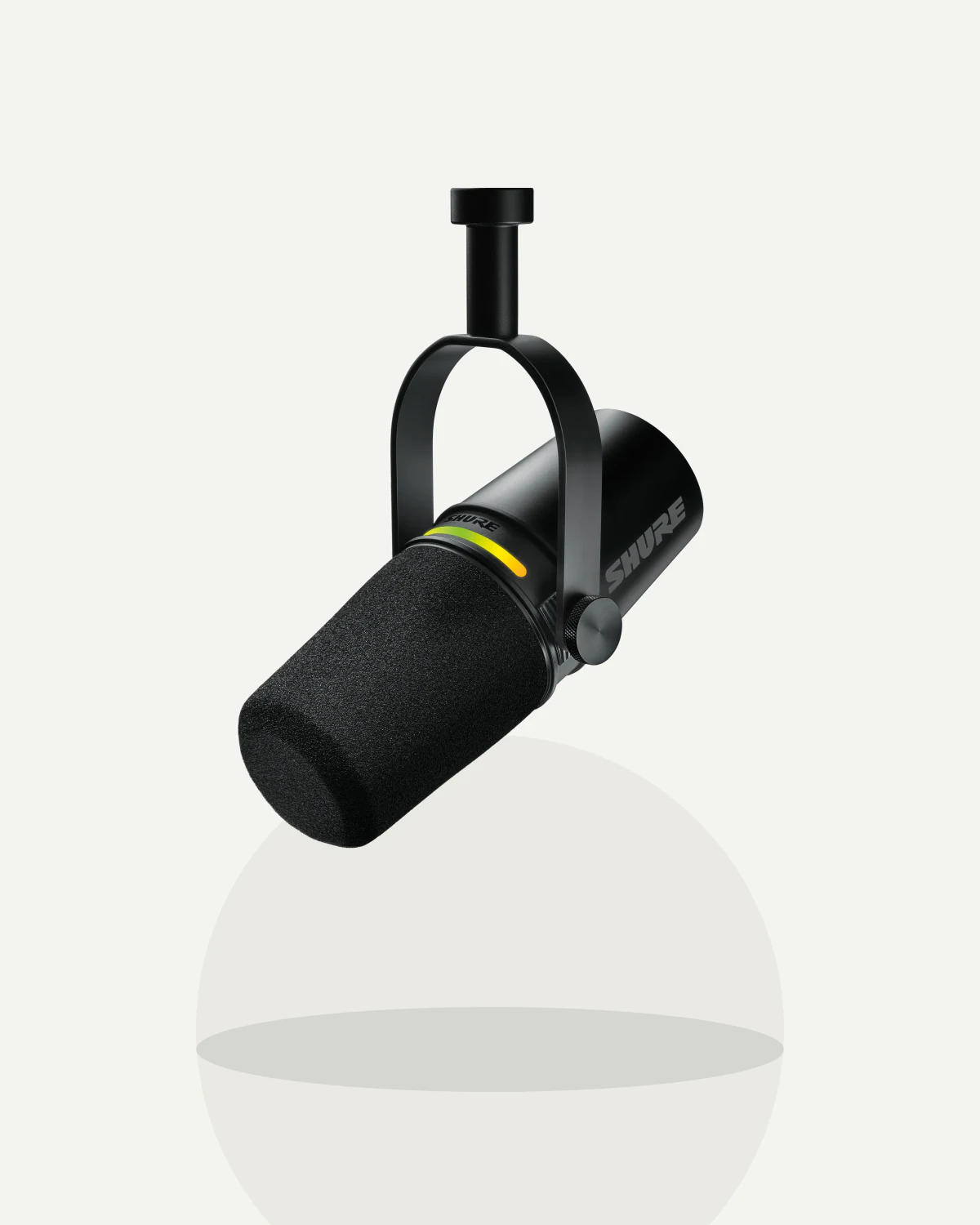
ONE SOURCE IMAGE
The original black microphone image used as the identity reference across all five style directions.
FIVE VISUAL STYLES
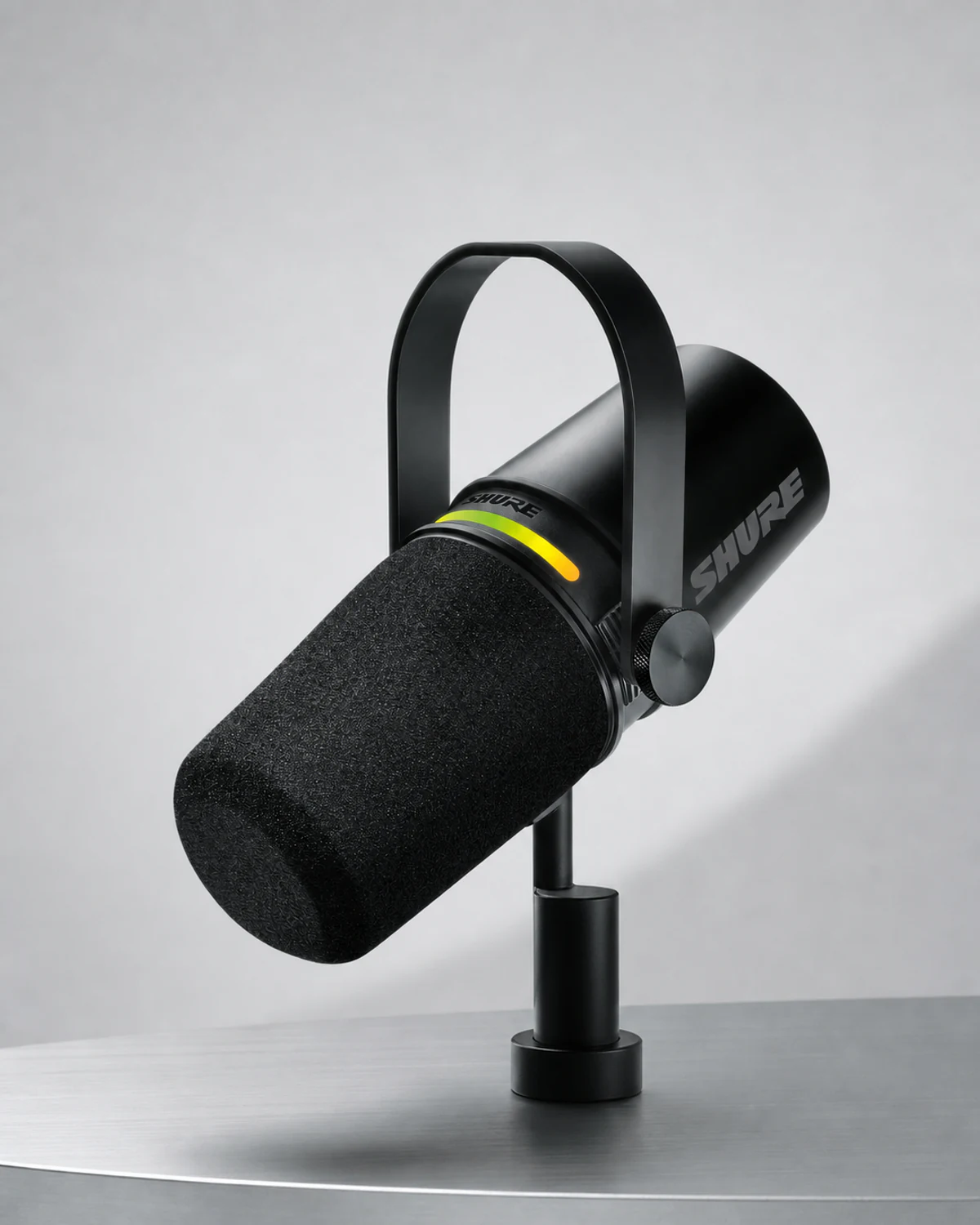
Clean Studio
A clean product-first image that keeps the complete microphone, mount, materials, and lime LED easy to inspect.
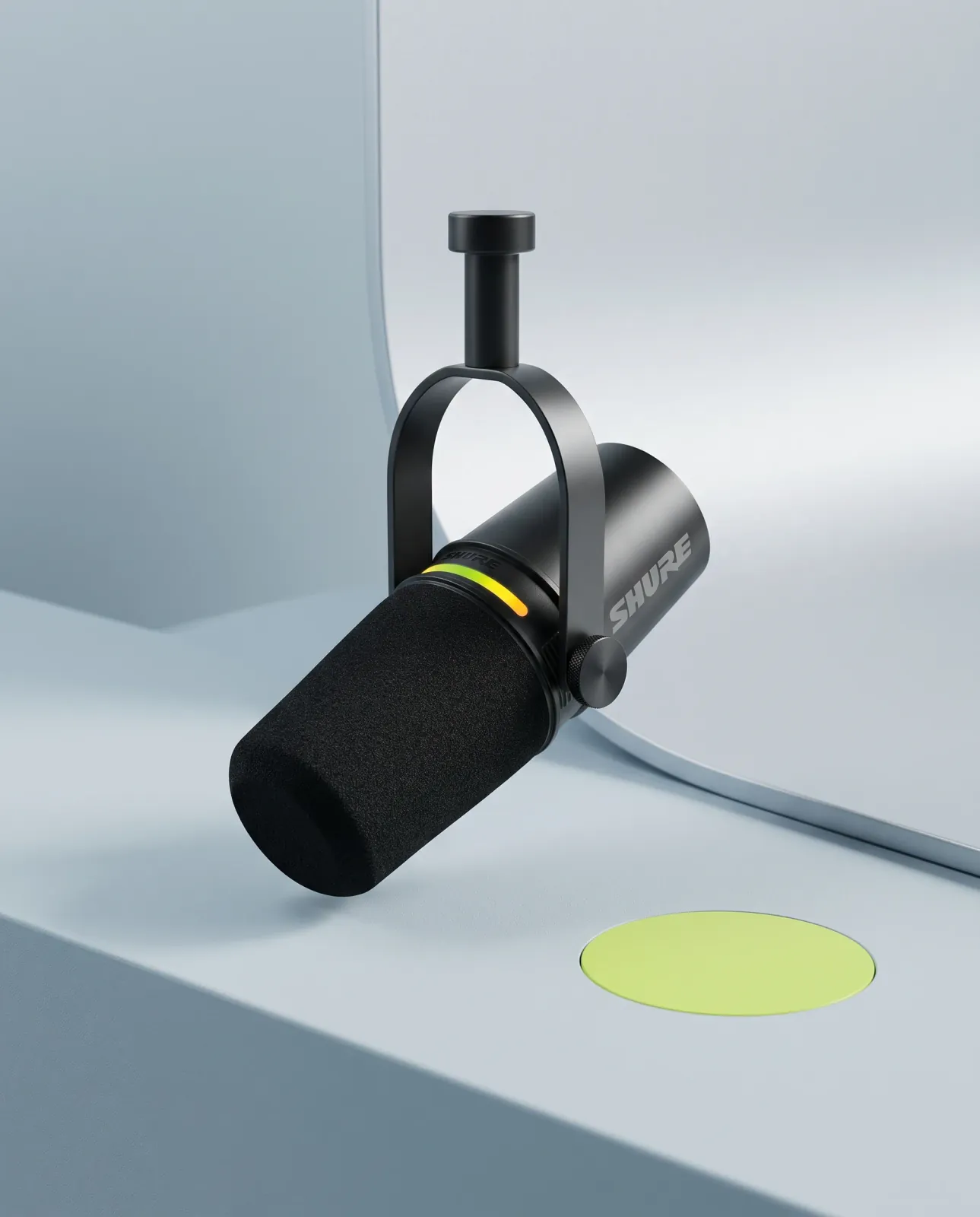
Soft Minimal
A calm minimal treatment that preserves the microphone while changing the palette, surfaces, and negative space.
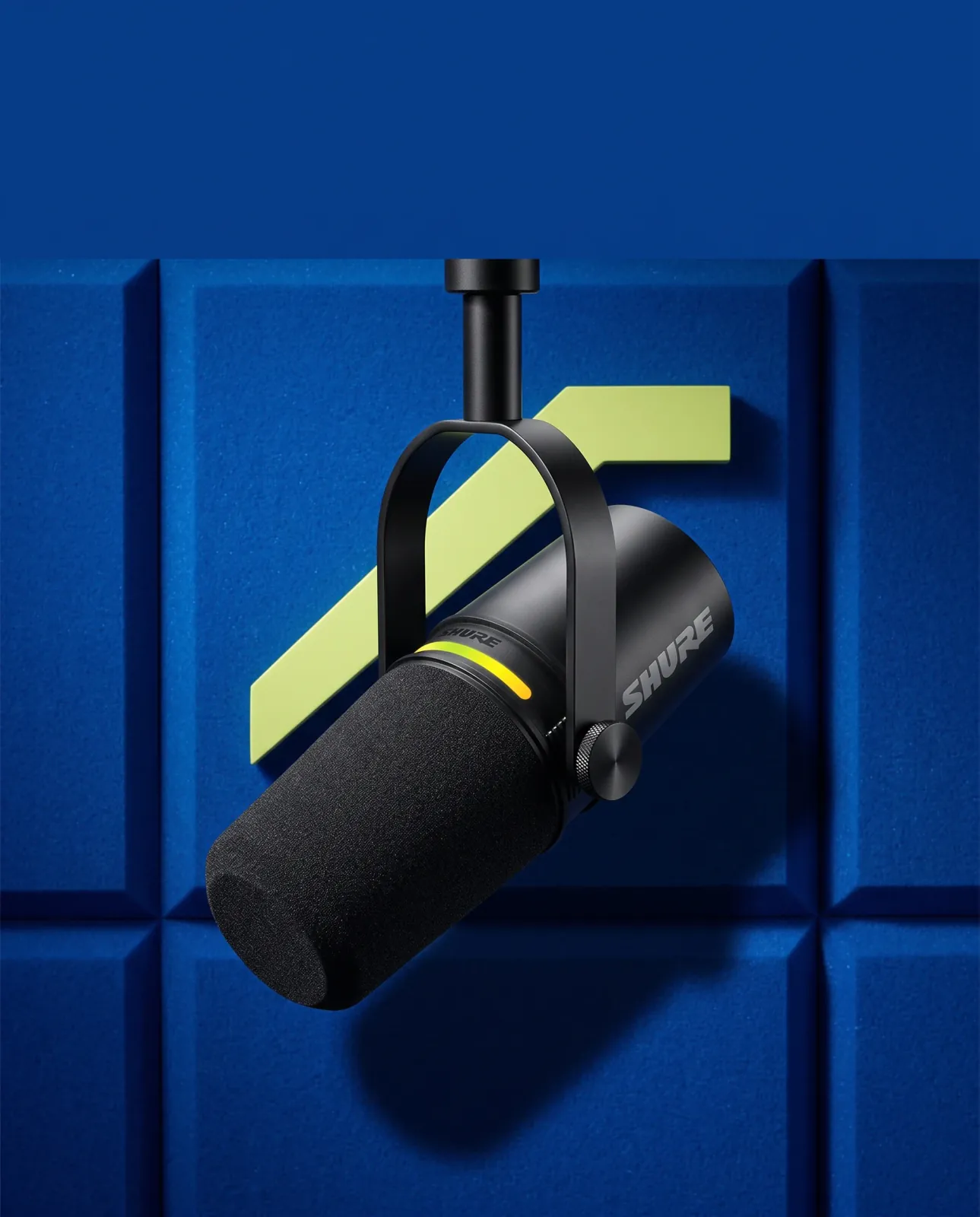
Bold Campaign
A high-impact campaign treatment with strong contrast and clear message space above the product.
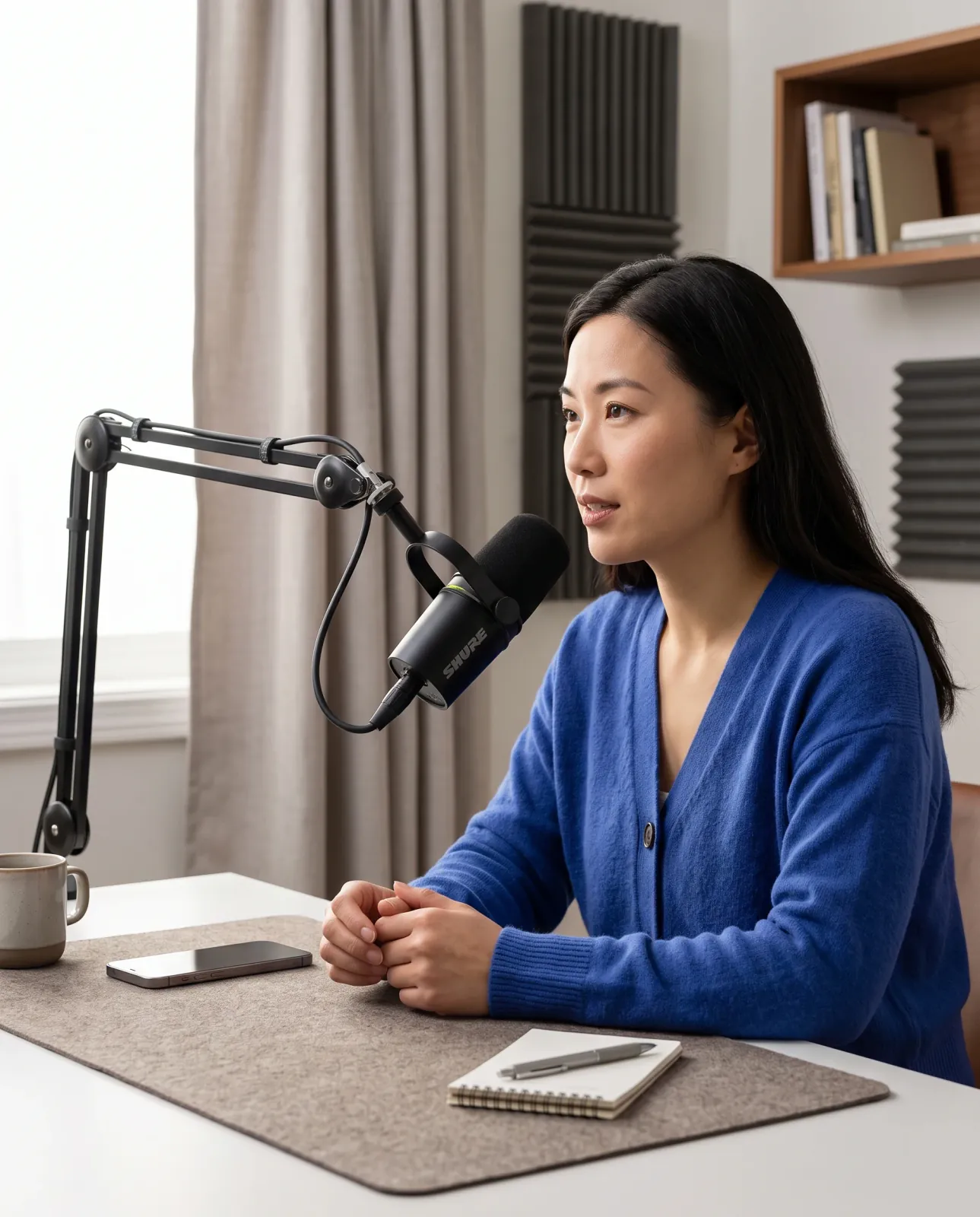
Natural Lifestyle
A believable creator scene that shows the same microphone at a natural human scale and in a credible setup.
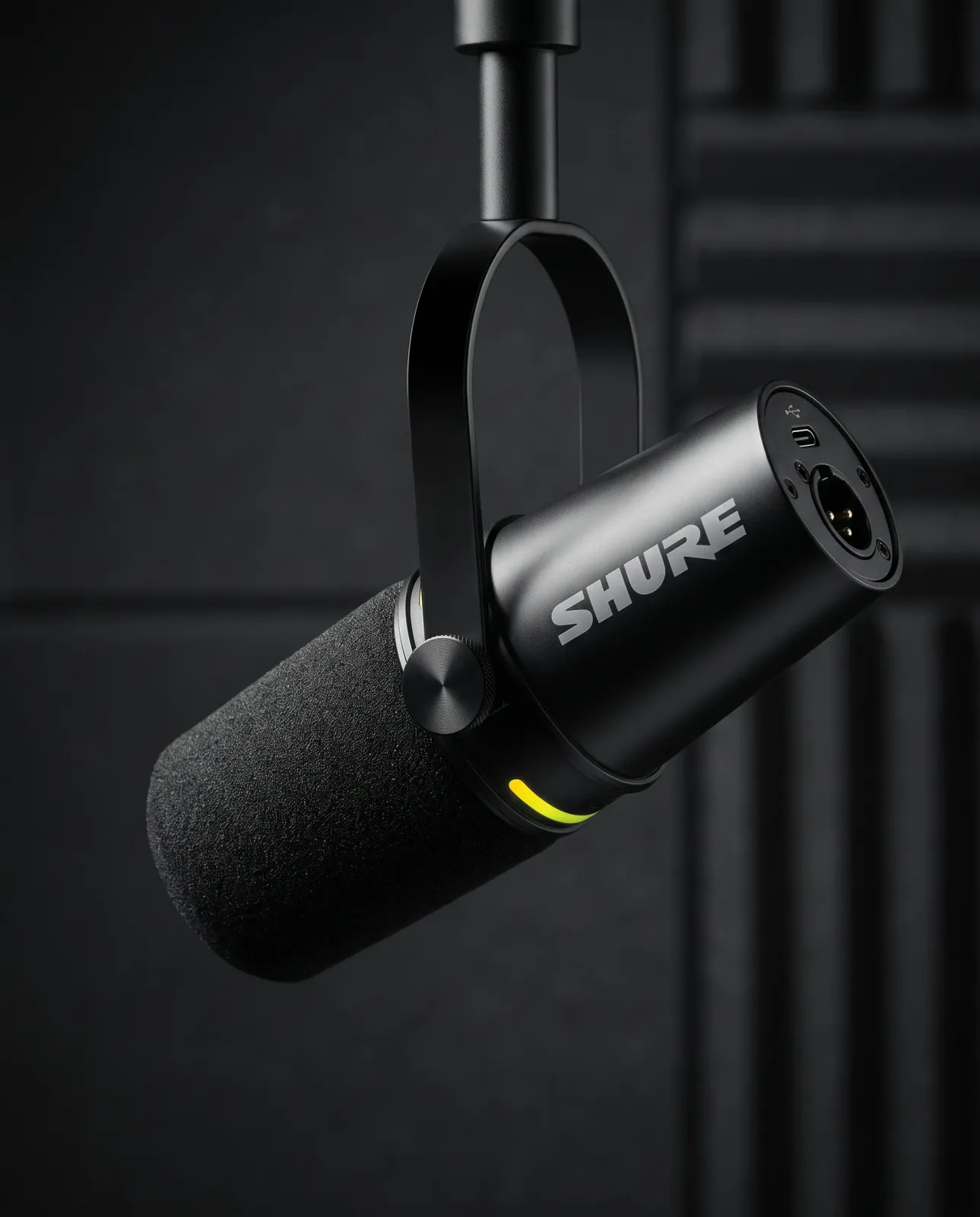
Premium Editorial
A restrained dark editorial treatment that keeps the microphone body, yoke, windscreen, connections, and lime LED recognizable.
WHY AI PRODUCT PHOTOGRAPHY
Turn existing product images and campaign ideas into polished visuals for ecommerce listings, advertising, and brand channels without organizing a new photoshoot for every creative direction.
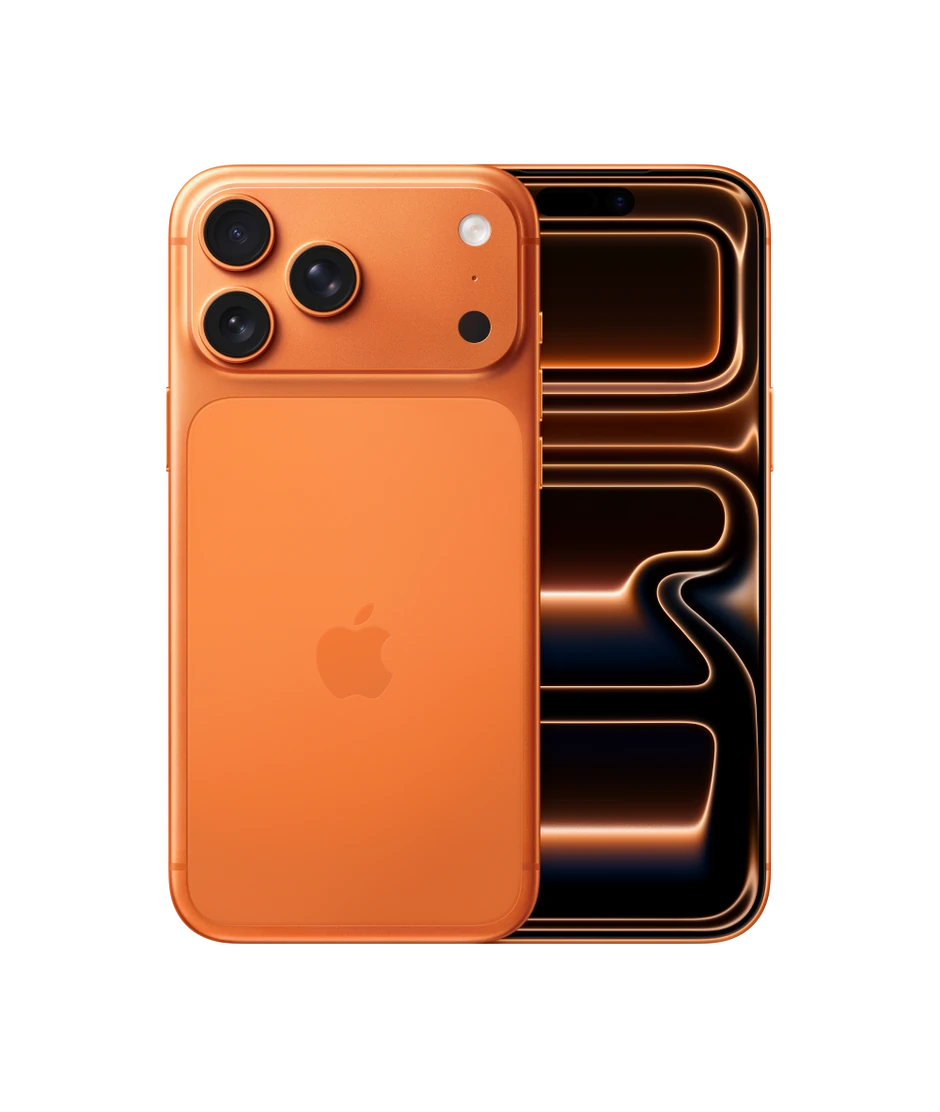
Create polished ecommerce images, lifestyle photography, product ads, and brand visuals designed for real marketing use.
Move directly from a written brief to a visual result, reducing repeated coordination between marketing teams, photographers, studios, designers, retouchers, and agencies.
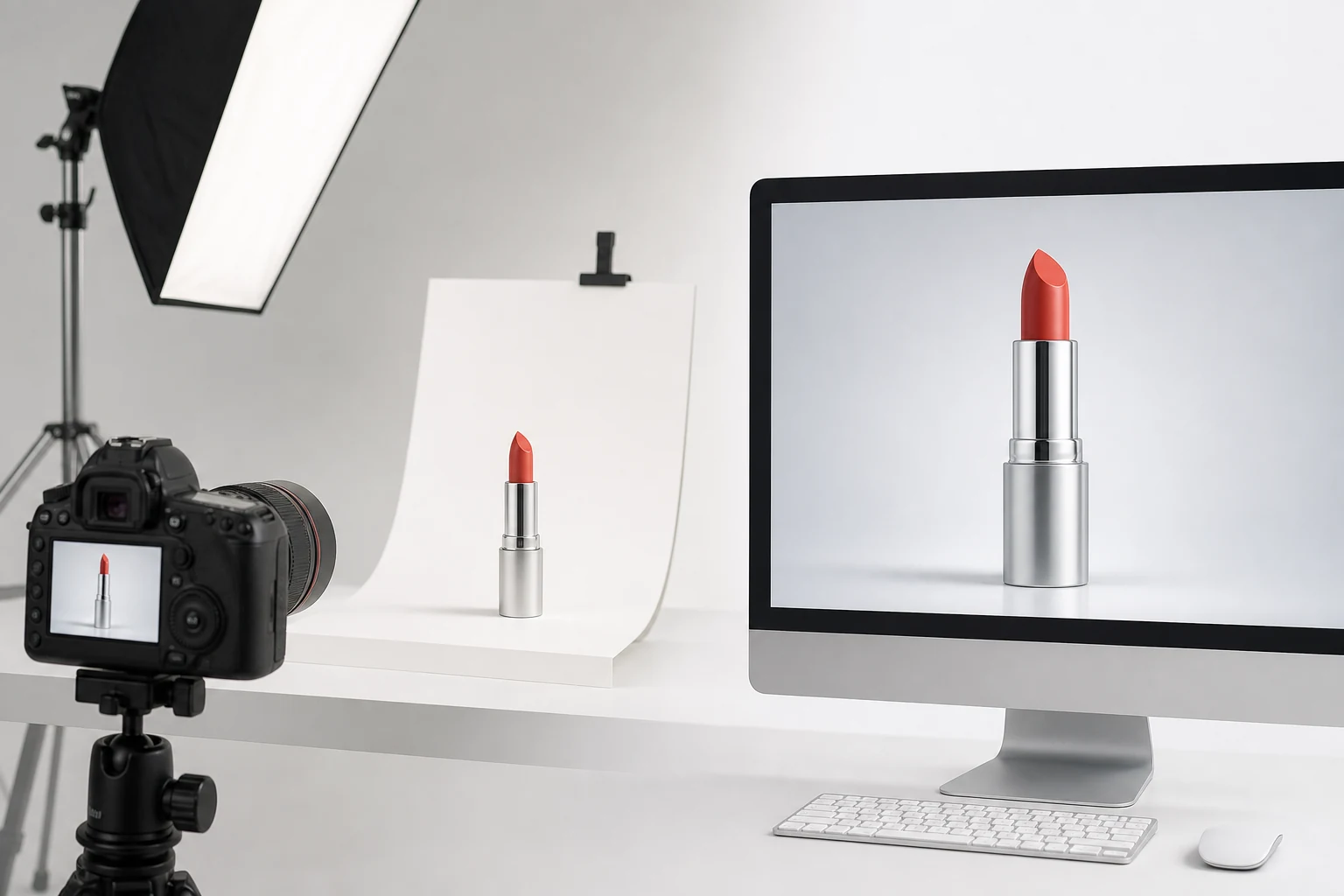
Replace repeated studio setup, lighting, and post-production with a computer-based generation workflow, leaving more budget for creative iteration.
FROM IMAGE TO RESULT
Add a product image, describe the image you want, and review the completed result in its task conversation.
Upload a product image from your computer, or choose a completed image from Assets to use as the reference.
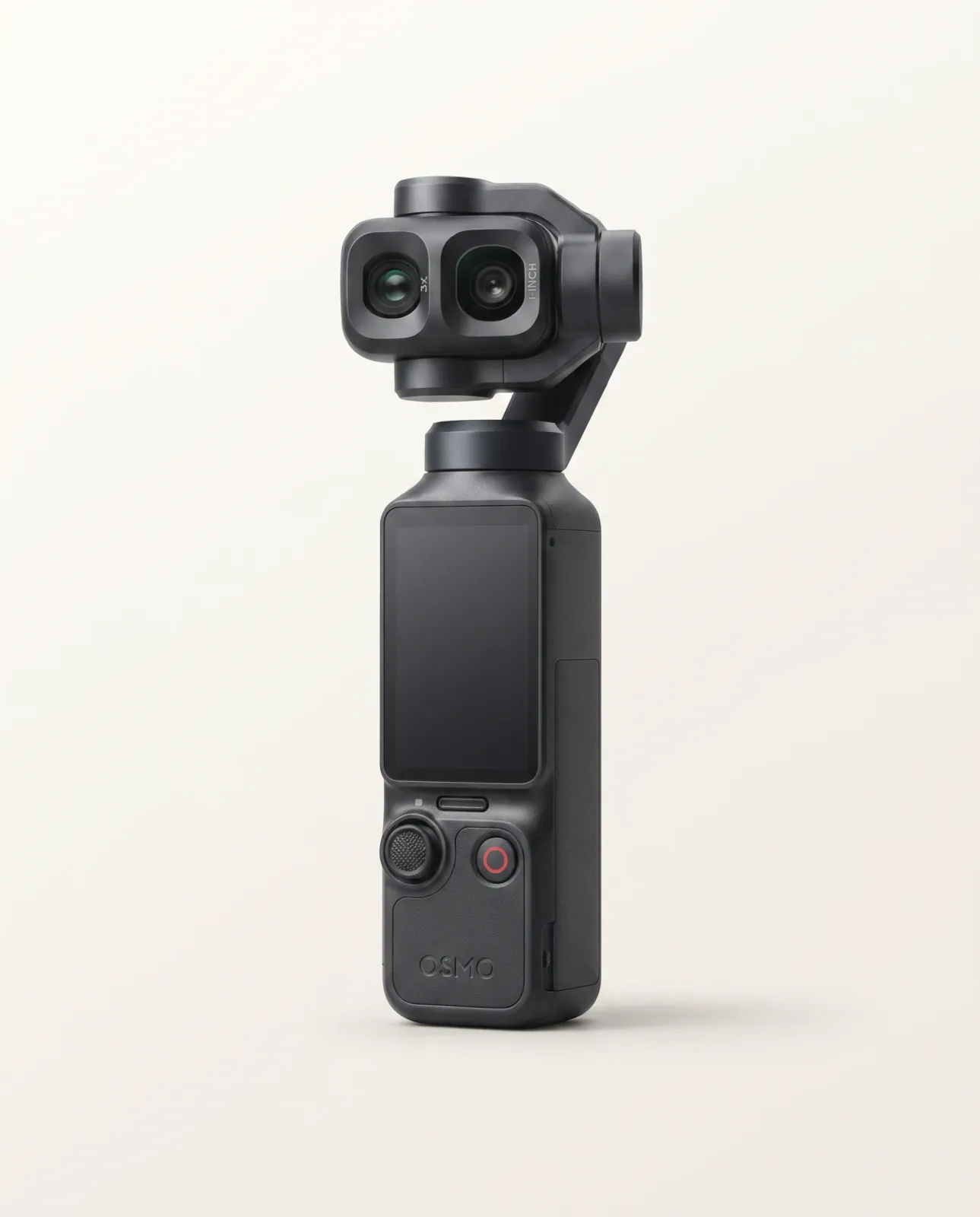
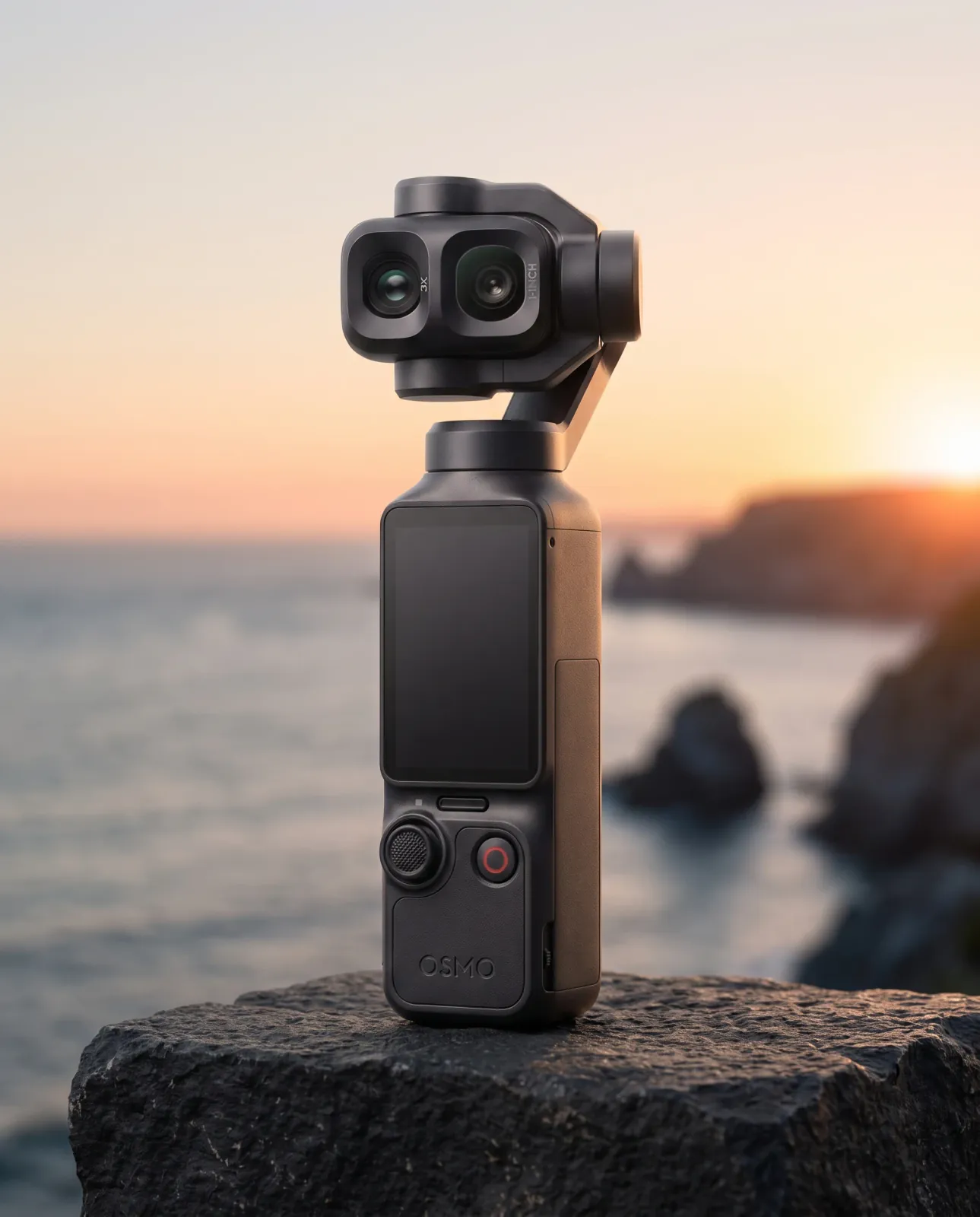
@image_1Using @image_1, create a golden-hour coastal travel ad for the same black DJI Osmo Pocket 4P, preserving its dual-camera gimbal head and leaving clear copy space.
Ask for an ecommerce image, lifestyle scene, product ad, or another clear visual direction.
The same dual-camera device carried into a believable golden-hour travel campaign with clear message space.
View the completed image in its task conversation and review it at full size.
ADYVI WORKSPACE
Adyvi gives you control over visual direction and output, keeps related requests and results together, and makes completed images easier to find and reuse.
Choose Auto or one of Adyvi’s visual styles, then set the aspect ratio, resolution, and file format for the image you need.
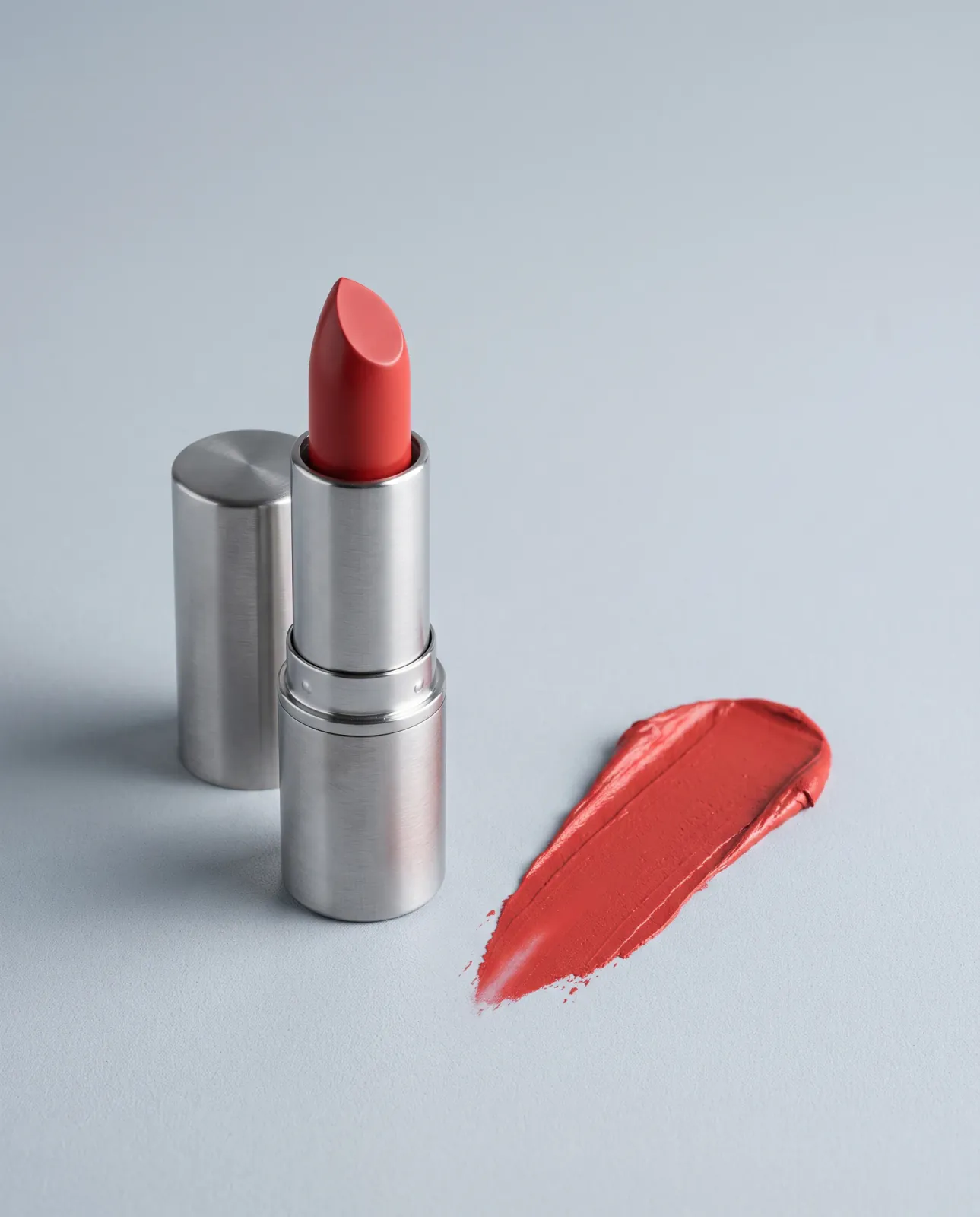
Visual style
Output settings
Multiple aspect ratios · 1K / 2K / 4K · JPEG / PNG / WebP
Keep each task’s requests and results in one conversation. Use a completed image as the reference for your next request, or regenerate the same brief when you want another result.
Keep the direction in its task conversation.
Assets brings generated images from different tasks into one place. Preview or filter completed work, choose an image as a new reference, or download the results you want to keep.
REVIEW BEFORE USE
Compare each generated image with its reference image at full size. Check that the product still looks accurate and that the scene supports the intended use.
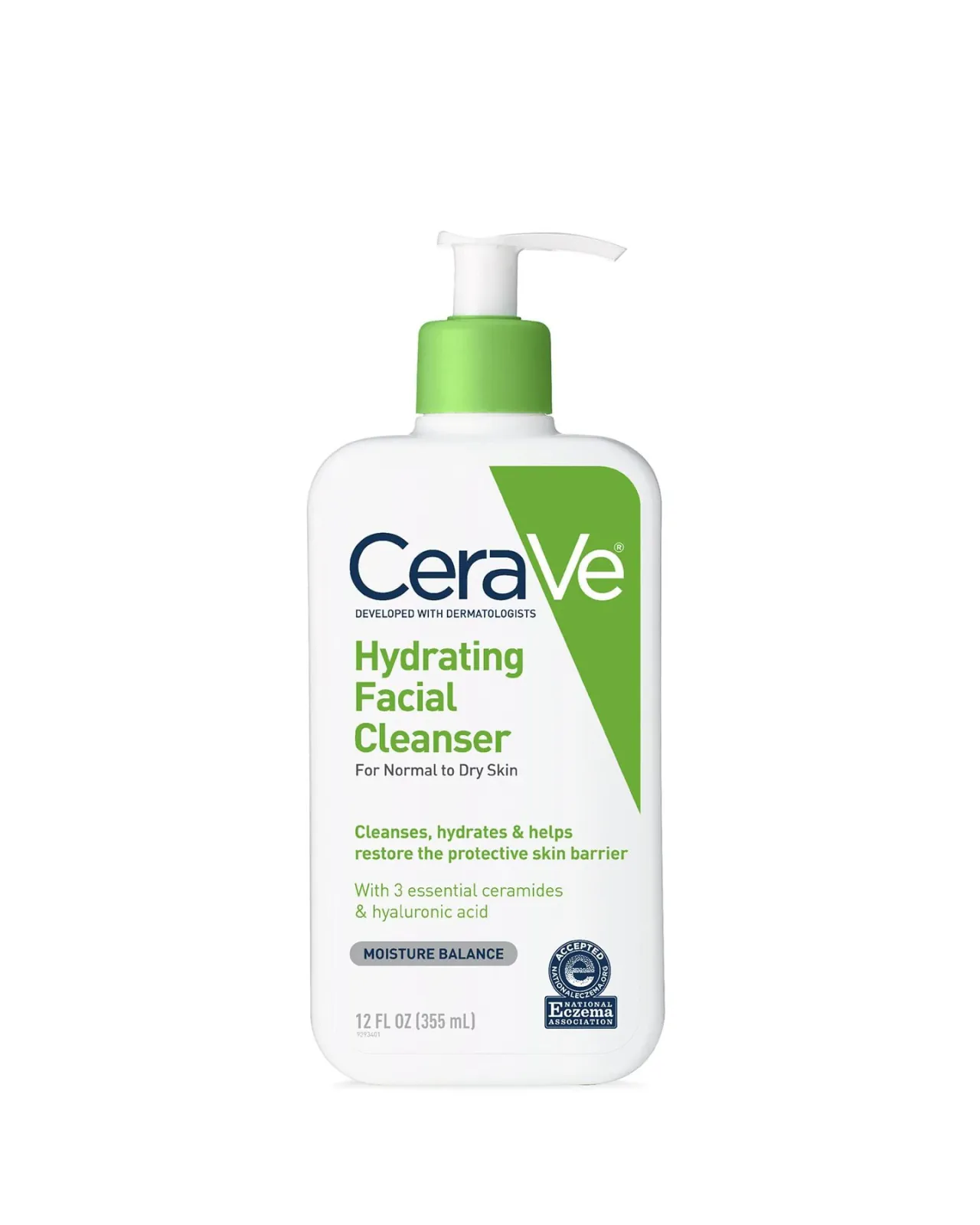
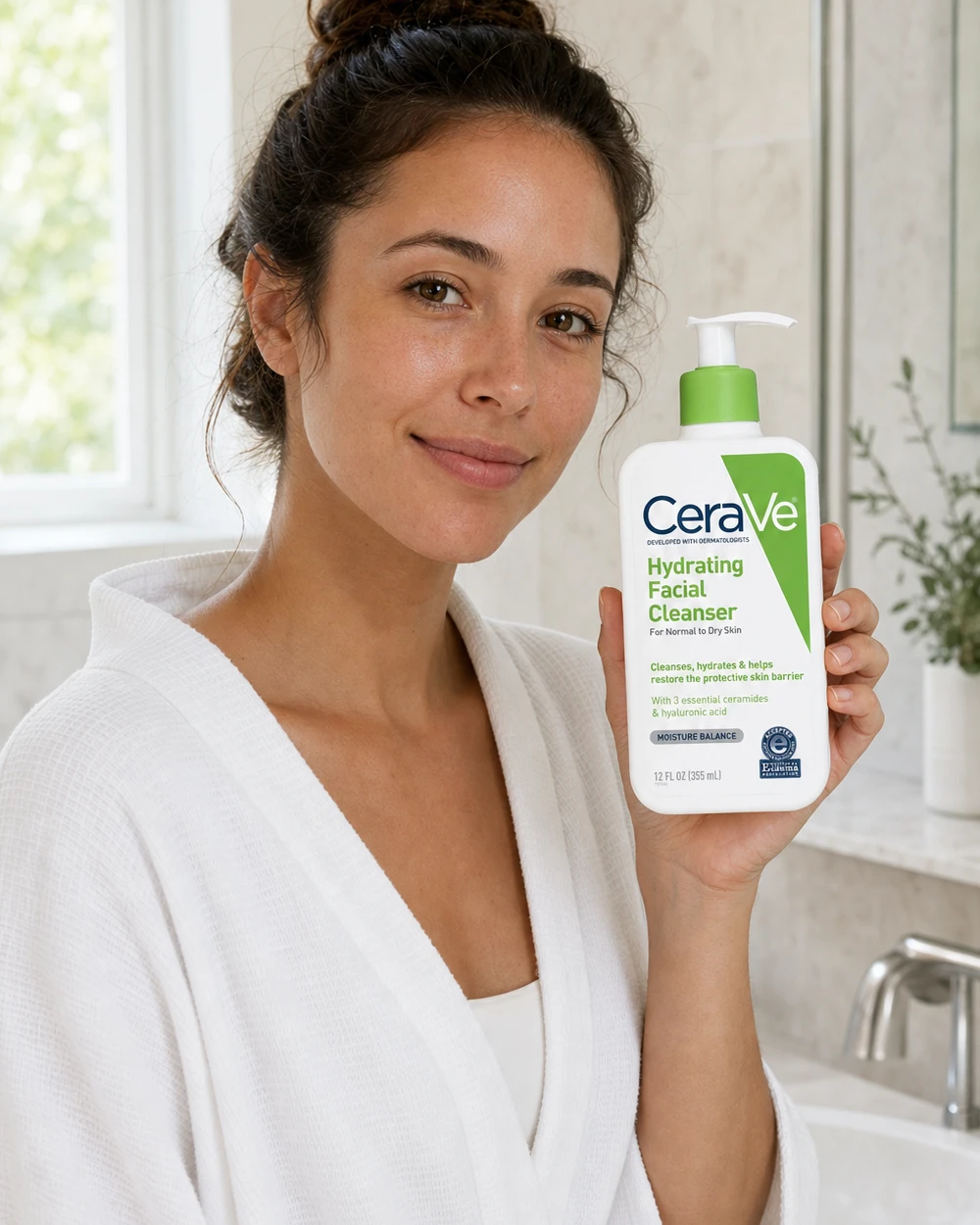
Compare the complete silhouette, proportions, and defining product details with the reference.
Check controls, openings, joins, accessories, edges, and small included parts.
Review surface texture, transparency, reflections, finish, and product color.
Check product scale, position, hand contact, and whether nearby props support a believable use.
Confirm light direction, highlights, reflections, and shadows remain physically consistent.
Inspect all visible text, labels, logos, and implied product claims before use.
CUSTOMER STORIES
See how ecommerce sellers and marketing teams use Adyvi for product listings, campaigns, and day-to-day visual production.
FEATURED STORIES
1 / 6
LIVE USE
“The serum shots I made here are the actual main images on our Shopify listings right now. Uploaded the bottle, ran Soft Minimal at 4:5, and those are the exact photos customers see. Nothing got swapped for a "real" shoot later.”
PRODUCT ACCURACY
“I was sure the fine details would turn to mush. They didn't. The prong setting, the little engraving, the way the metal catches light — it all held. The stone still looks like our actual stone, so I'm comfortable putting these on the product page.”
COST & PRODUCTION
“One studio session for our candle line used to run about $600 once you add the photographer and half a day of retouching. I've replaced most of that. The real win is our $12 SKUs finally get proper shots instead of a phone photo on a table.”
CREATIVE WORKFLOW
“I had a summer promo idea on a Friday and needed it live by Monday. No briefing a designer, no booking a shoot. I typed the direction, used Bold Campaign with copy space, and the export went straight into the ad we ran. No rounds in between.”
DAILY USE
“Coming up on four months. I've pushed past 200 SKUs through it for seasonal refreshes, and every new shade or bundle, it's the first tab I open. That's how the trial quietly turned into an annual plan.”
EASE & CONTROL
“I've never written a "prompt" in my life and I run a one-person shop. I picked Auto, uploaded my product, and got something usable on the first try. It never made me feel like I needed to learn a new skill first.”
Rotates automatically
FREQUENTLY ASKED QUESTIONS
Answers about AI product photography, ecommerce and lifestyle images, product ads, continuing from completed results, and reviewing generated images.
AI product photography uses an existing product image as a reference and combines it with written direction to create a new product-focused visual. With Adyvi, you can develop ecommerce images, lifestyle scenes, product ads, and other visual directions from an existing product image.
An AI product image generator combines a reference image with your description, selected visual style, and output settings. Adyvi uses that direction to create a result for you to review.
Yes. Upload a clear product image and request a clean studio shot, white-background product photography, flat lay product photography, detail view, or another ecommerce direction.
Yes. Describe the real-world setting, lighting, props, and product use you want to show. Natural Lifestyle is designed for believable context, while other styles can support quieter or more editorial scenes.
Yes. Describe a launch, offer, brand message, or another campaign direction. Choose Bold Campaign or Premium Editorial when those styles fit the intended ad.
Yes. Select a completed result as the reference, describe the next direction, and send a new request. You can also use Regenerate when you want another result from the same brief.
Compare the result with the reference at full size. Check product identity, edges and components, materials and color, scale and contact, lighting and shadows, plus visible text and implied claims.
CREATE WITH ADYVI
Add your product image, choose a visual direction, and generate your first result with Adyvi.
Create a Product Photo