
Amazon US platform guide
Amazon product image requirements
Build an Amazon image set that makes the product easy to inspect and avoids preventable rejection, crop, clutter, and file-quality problems.
See what belongs in the main image, what each supporting image should explain, and whether the complete product survives square, portrait, and wide crops before you upload.
Follow the practical preflight to catch missing edges, weak detail, misleading context, and avoidable file issues, then apply any additional rule required by the product category.
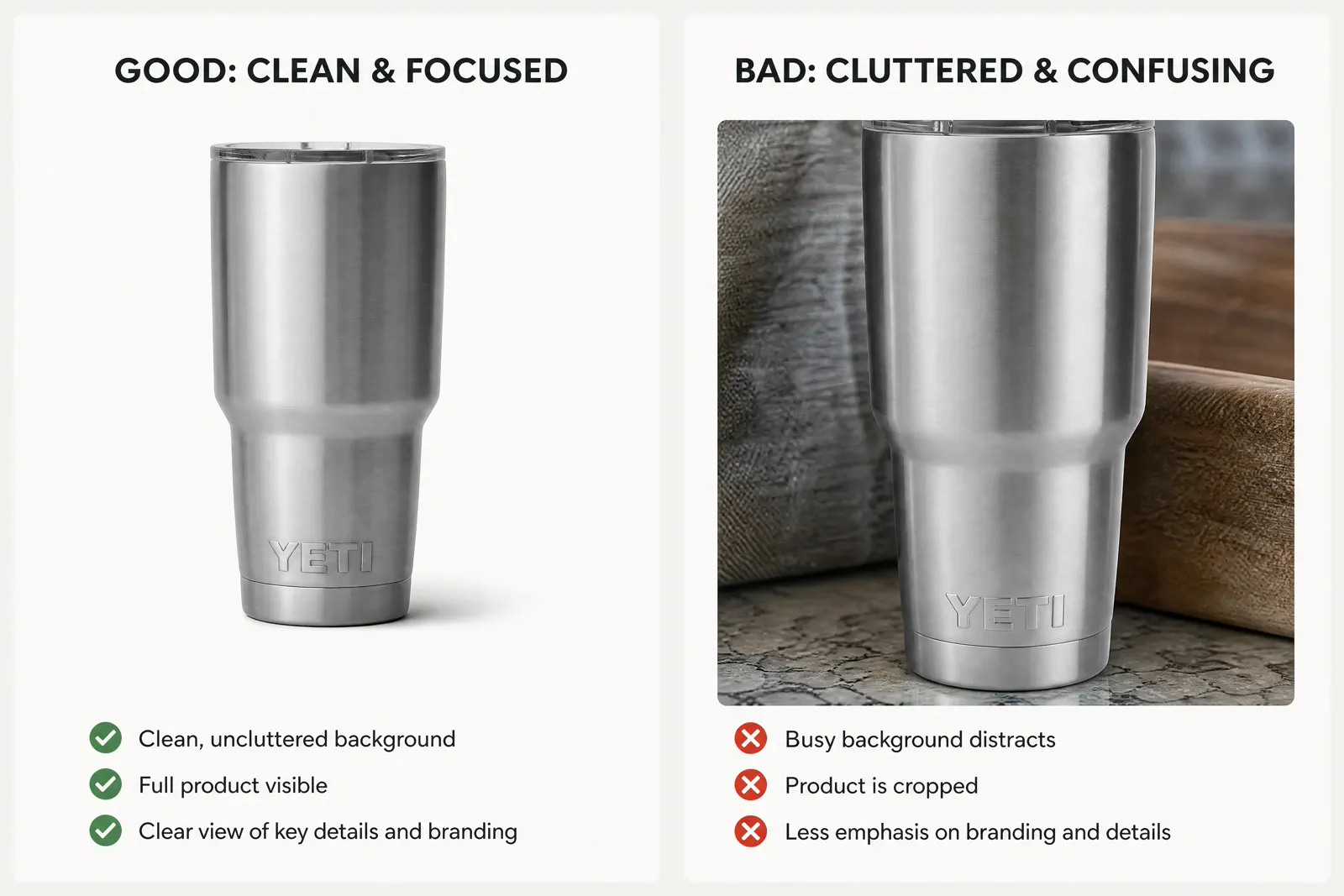
Current US requirements
Start with the requirements that decide whether an image can be used
For Amazon US product images, prepare files from 500 to 10,000 pixels on the longest side. Amazon prefers images larger than 1,000 pixels on the longest side for zoom and recommends JPEG, while JPEG, TIFF, PNG, and non-animated GIF are accepted.
The main image has stricter content rules than supporting images. Use a professional photo of the actual item on pure white (RGB 255, 255, 255), keep the product clear and fully recognizable, and check the category guide for any additional rule.
File size and format
Use 500–10,000 pixels on the longest side. Prefer more than 1,000 pixels for zoom and JPEG for delivery; TIFF, PNG, and non-animated GIF are also accepted.
Main-image background and content
Use a pure white background and show the actual product being sold. Do not add text, logos, borders, watermarks, inset images, or props and accessories that could confuse what is included.
Main-image framing
Keep the product clearly visible and let it fill about 85% or more of the frame without cutting off important parts. Category-specific rules take priority when they add a stricter exception.
Quick reference
Use the correct rule for the main image and supporting images
The first image identifies the exact item in search and on the product page. Supporting images can answer the questions the main image cannot, but every frame must remain accurate and easy to understand.
| Area | Main image | Supporting images | Review action |
|---|---|---|---|
| Dimensions and format | 500–10,000 px on the longest side; more than 1,000 px is preferred for zoom. JPEG is preferred; TIFF, PNG, and non-animated GIF are accepted. | Use the same technical range and keep enough real source detail for the intended crop or close-up. | Do not enlarge a small or blurred file just to reach the pixel count. |
| Background and added elements | Pure white background (RGB 255, 255, 255). Show the actual product only; no added text, logos, borders, watermarks, inset images, or confusing props. | Use detail, scale, lifestyle, packaging, or explanatory frames when they answer a buyer question and remain accurate for the item and category. | Do not reuse a lifestyle or text-led supporting image as the main image. |
| Product framing | Let the product fill about 85% or more of the frame, remain fully recognizable, and keep important parts visible. | Compose each frame around one missing buyer question without hiding labels, controls, materials, included parts, or scale cues. | Inspect the main image at thumbnail size and every supporting image at its intended reading size. |
| Visible quality | Use a clear, professional image with no pixelation or jagged edges. Color, shape, quantity, labels, and included parts must match the offered item. | Supporting images must meet the same accuracy and clarity standard even when the background or composition is more expressive. | Open the exported file and compare it with the product before upload. |
| Category exceptions | Some categories add stricter rules for models, packaging, apparel presentation, books, or other product-specific details. | The same category guidance can also limit text, claims, comparison, props, or how included items are shown. | When a category rule is stricter than this general guide, follow the category rule. |
These values summarize Amazon US general product-image guidance. Category-specific requirements can add exceptions, so check the category rule when preparing the final upload.
Preflight files
Check dimensions, crop, format, and visible quality together
A file can be technically large and still fail the listing task. Inspect product identity and visible quality at the actual placement as well as at full size.
Dimensions and zoom behavior
Keep the longest side between 500 and 10,000 pixels. Use more than 1,000 pixels when you want to support zoom, but never upscale a small file and mistake added pixels for real detail.
Crop and framing
Preview the file in its intended main or supporting role. Confirm the product remains recognizable, important edges survive, and the composition follows the currently verified rule.
Format and color
Prefer JPEG; JPEG, TIFF, PNG, and non-animated GIF are accepted. Open the exported file independently and compare color, transparency behavior, and the main image’s pure-white background with the source.
Sharpness and compression
Inspect defining details at full size and in the listing preview. Diagnose focus, motion, enlargement, and compression separately instead of applying aggressive sharpening to every failure.
Switch the frame to inspect subject and crop safety
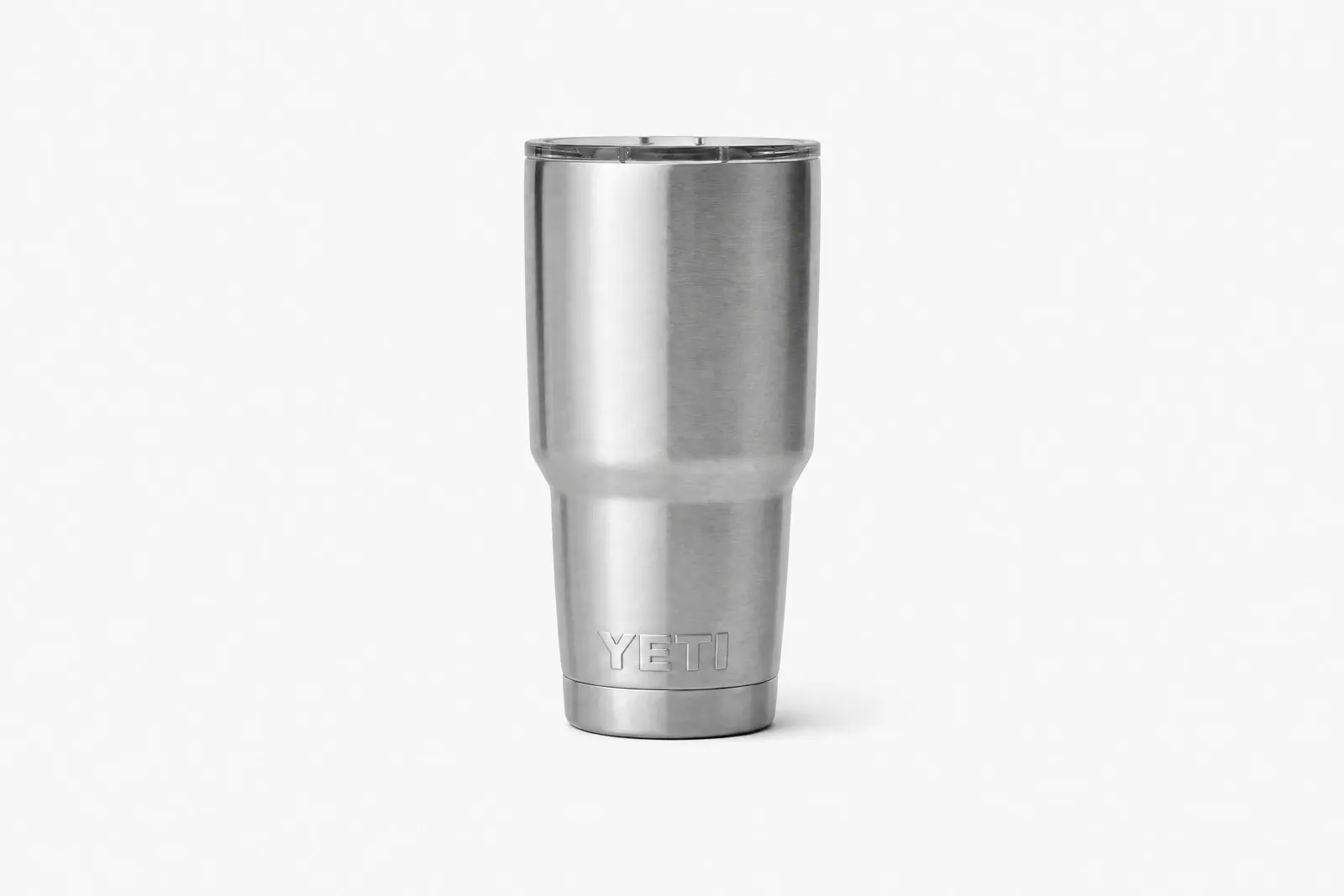 Central safe area
Switch between 1:1, 4:5, and 16:9, then confirm the full product, logo, and defining details remain safely inside every frame.
One product, distinct questions
Plan supporting images around shopper uncertainty
Use one factual product record and keep only frames that answer a different question. This is image-set planning, not a claim that every category permits every treatment.
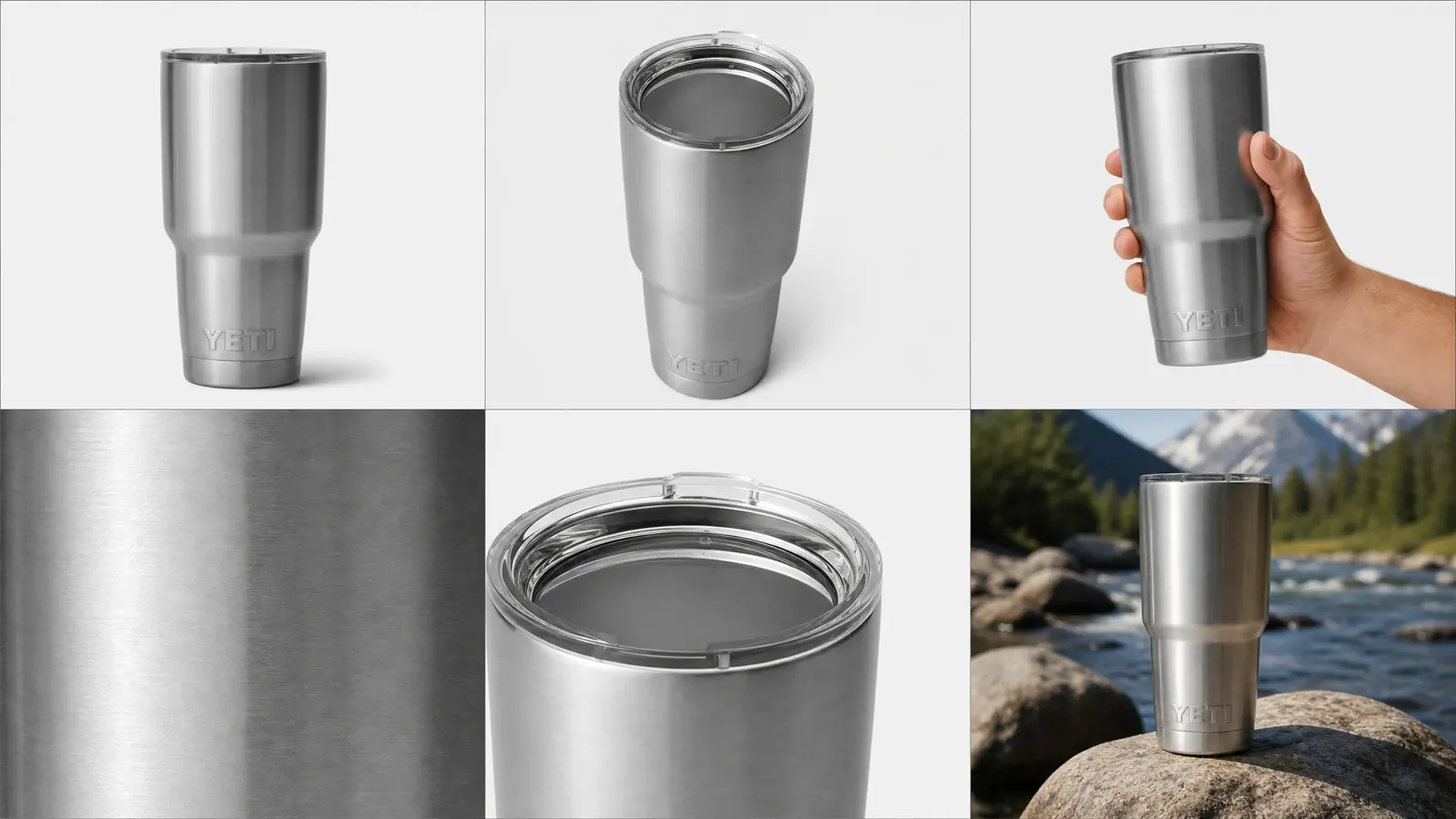
Detail
Show a material, mechanism, label, texture, finish, or included part that cannot be inspected in the main image.
Scale
Use a truthful size cue, dimensions, or contextual reference when shoppers could otherwise misunderstand the product footprint.
Use or context
Demonstrate a real use relationship without implying an unsupported feature, included accessory, performance result, or unsafe application.
Feature explanation
Connect a visible product fact to concise explanatory information only after confirming the current allowance for the intended image role and category.
Comparison or selection
Clarify variants, dimensions, or included items using accurate source facts. Avoid an unverified superiority claim.
Packaging and contents
Show what arrives when packaging, quantity, assembly, or included parts could otherwise create uncertainty.
Category exceptions
Check category and marketplace exceptions before using the guide
The current marketplace and category source controls the decision when it differs from a general summary.
01Confirm marketplace
Record that the listing is for Amazon US. Do not assume an image reviewed for one marketplace can be reused unchanged in another.
02Confirm category and product type
Open the current category guidance and record any background, content, packaging, claim, or image-role exception that applies.
03Compare the exact rule field
Compare the category guidance with the general requirement, especially any rule that changes the background, framing, text, packaging, people, or accepted file treatment.
04Do not reuse an outdated example
When a category changes how the product must be presented, rebuild the affected file instead of forcing an old example or another marketplace’s image into the listing.
Versioned checklist
Run one preflight before every upload
Review the exact file in the intended role. A passed general checklist is not proof of Amazon approval, but it helps expose preventable errors before the official upload process.
Source and role
Confirm the Amazon marketplace, product category, and whether the file is intended for the main or supporting image position.
Product identity
Shape, color, material, quantity, labels, packaging, and included items match the offered product.
Allowed visible content
Background, text, graphics, watermarks, borders, props, accessories, packaging, and people have been checked against the current role and category rule.
Crop and file
Framing, dimensions, format, color, compression, sharpness, and actual preview have been checked against the current source.
Rights and final review
The team can publish every visible asset and claim, and the final file—not an earlier working version—has passed review.
Questions that need judgment
Frequently asked questions
These answers cover the exceptions and review tests that still depend on context.
What should I do when a category rule conflicts with this general guide?
Follow the rule for the current marketplace and product category. Category-specific instructions take priority when they are stricter or more specific than this general guide; do not blend two conflicting rules into a new compromise.
How should I diagnose an image rejection when the file appears to meet the general checklist?
Start with the exact rejection message and current category and marketplace rules. Compare visible content, background, crop, dimensions, format, color, compression, and sharpness against the final uploaded file. Change one confirmed cause at a time and retest; changing several variables together makes the result difficult to diagnose.
Can the same image set be reused across Amazon marketplaces?
The underlying product identity may carry over, but each marketplace and category needs a current review. Language-bearing graphics, packaging, claims, available image roles, file rules, and local requirements may differ. Preserve the source files, then create or approve marketplace-specific derivatives after checking the controlling source.
One source, a stronger Amazon gallery
Create product images that help Amazon shoppers decide faster
Upload one clear product photo to Adyvi and turn it into a clean product-page visual, a detail or scale image, a lifestyle scene, or an ad creative—without rebuilding the set for every idea.
Create my Amazon product images