
 MADE WITH ADYVI
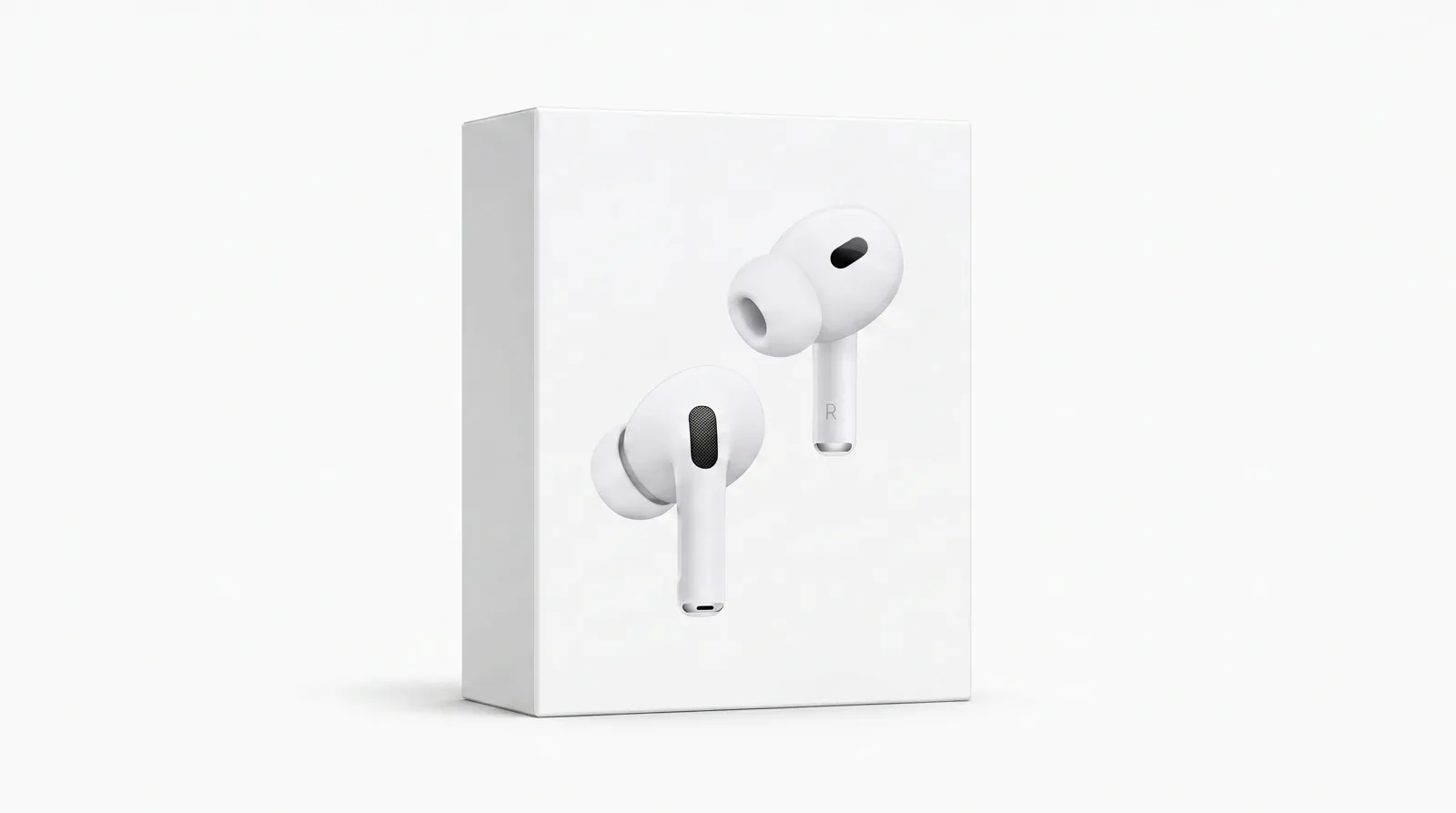
RETAIL BOX
Make front and side planes coherent
Clean corners, readable planes, even spacing, and a restrained shadow define the package.
COMMERCIAL PRODUCT ANCHOR
Packshot is not just a white background. It is the complete design of silhouette, front plane, material highlights, shadow, spacing, and crop for one commercial placement.
 MADE WITH ADYVI
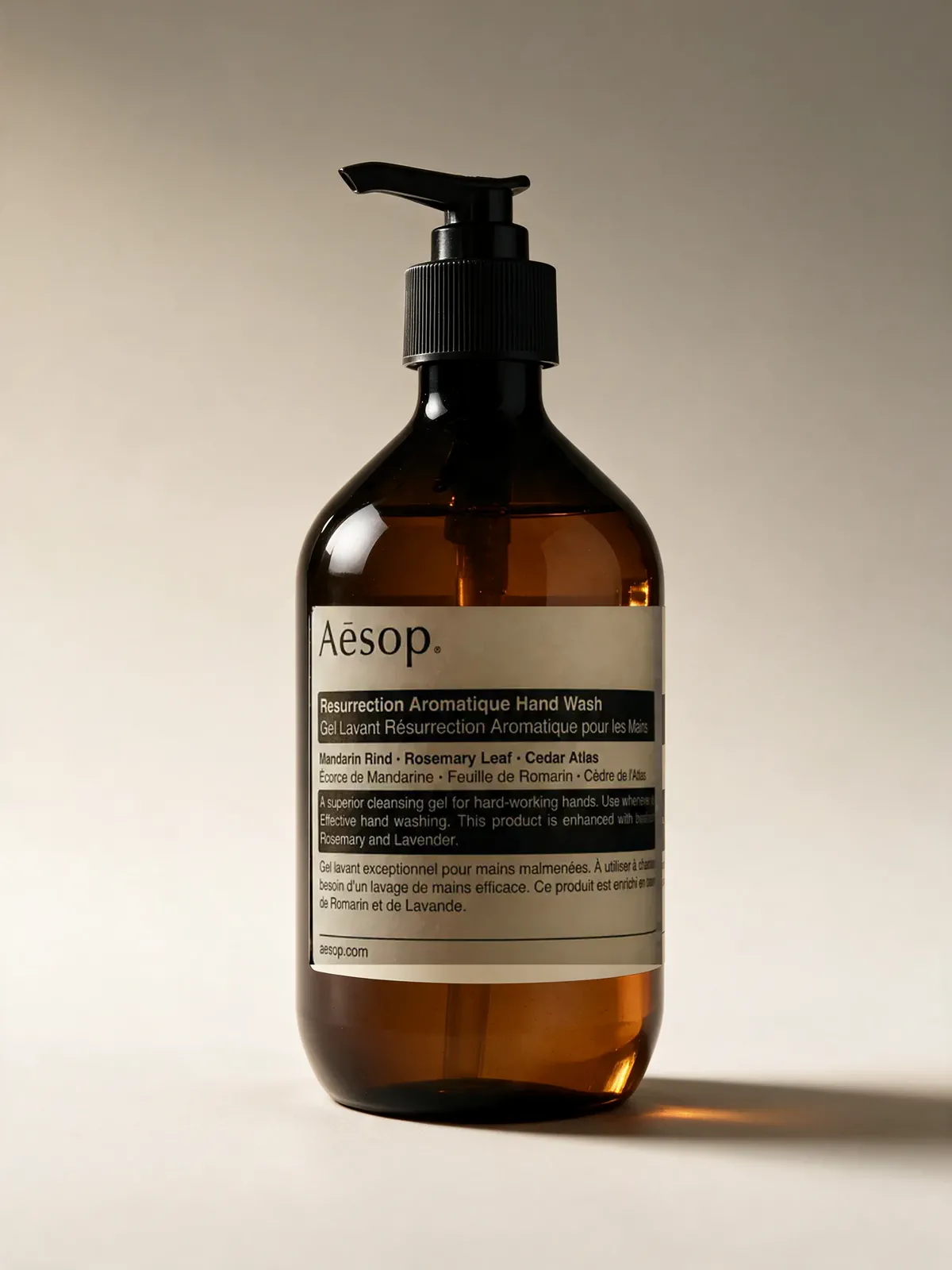
 Starting product image
PRODUCT FORM CHANGES THE LIGHT
The bottle above establishes the complete front plane. A retail box needs coherent corners and planes, while reflective metal needs long controlled highlights that describe its surface.
MADE WITH ADYVIRETAIL BOX
Clean corners, readable planes, even spacing, and a restrained shadow define the package.
 MADE WITH ADYVI
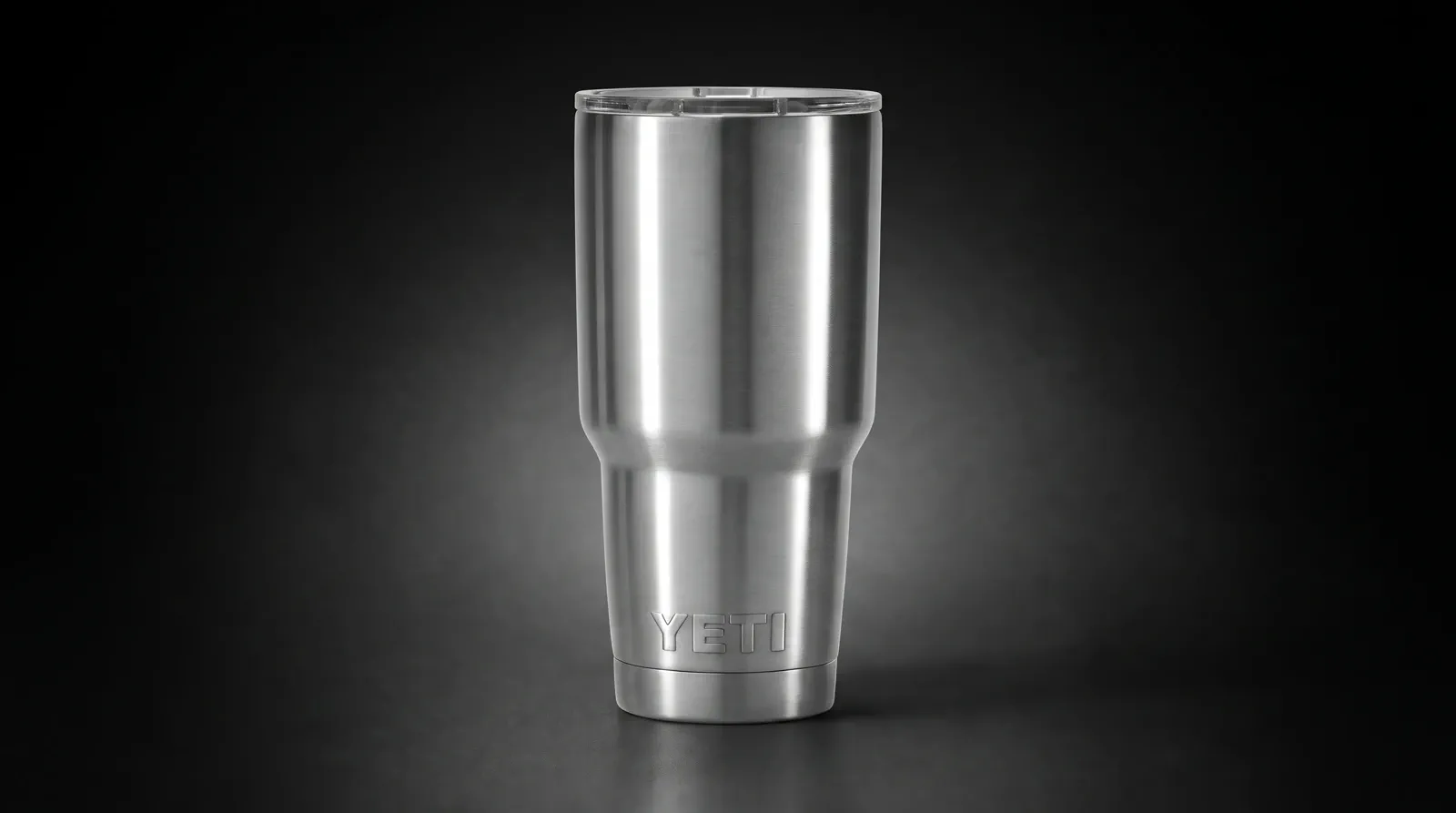
REFLECTIVE METAL
Long controlled reflections reveal taper, rim, lid, and base without visual noise.
CUSTOMER EVIDENCE
The comments cover product focus, compact placement, and real catalog use.
“My earlier shots had too much going on around the box. I uploaded the product and asked for a restrained packshot, and now the package is clearly the center of the image.”
Lorena_M
Adyvi customer
“I set a 1:1 crop and asked for even spacing around the bottle. It fits our listing tiles cleanly instead of looking cramped or off-center.”
Aiko_N
Adyvi customer
“I downloaded the clean packshot and used it as the catalog tile for the product. It slotted straight into our listing without any extra editing.”
Hannah_V
Adyvi customer
DESIGN FOR THE SLOT
A compact catalog tile, a taller product-detail image, and a wide campaign end frame need different scale and negative space.
 MADE WITH ADYVI
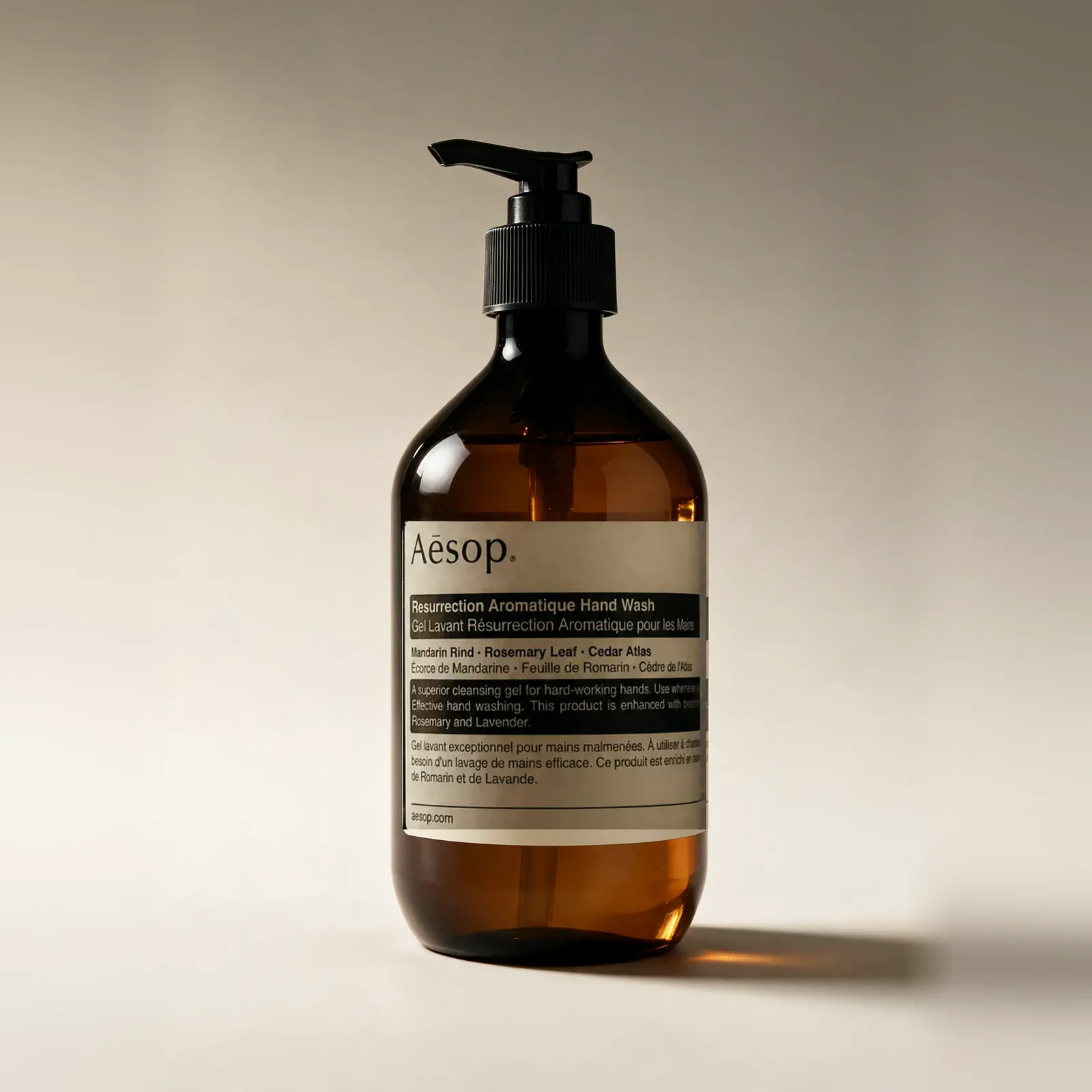
CATALOG TILE
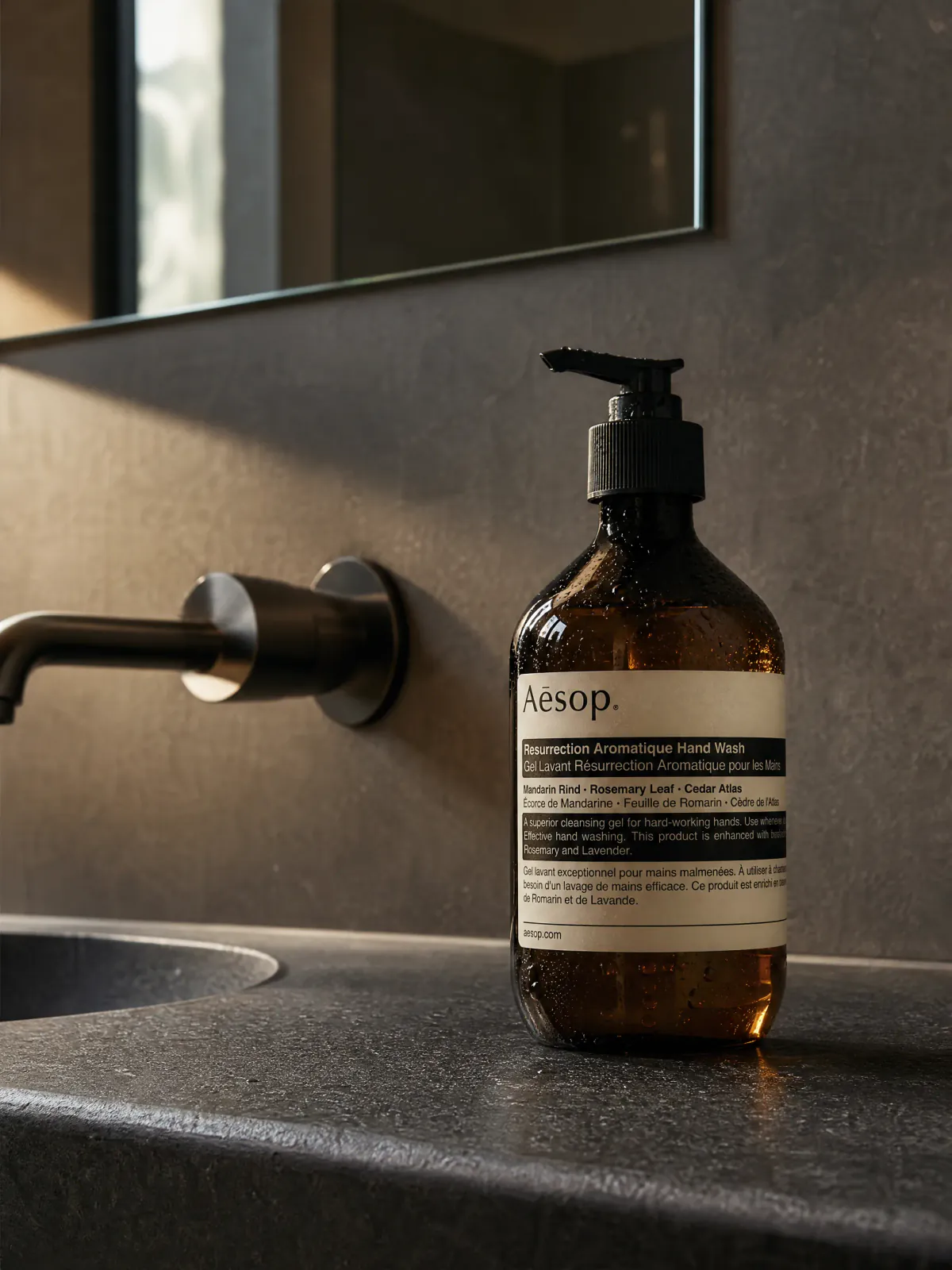
A square crop and even spacing keep the pump, front plane, side edges, and bottle outline distinct at tile size.
 MADE WITH ADYVI
PRODUCT DETAIL
Portrait scale gives the pump, front label hierarchy, curved bottle edges, and soft material highlights room to be inspected.
 MADE WITH ADYVI
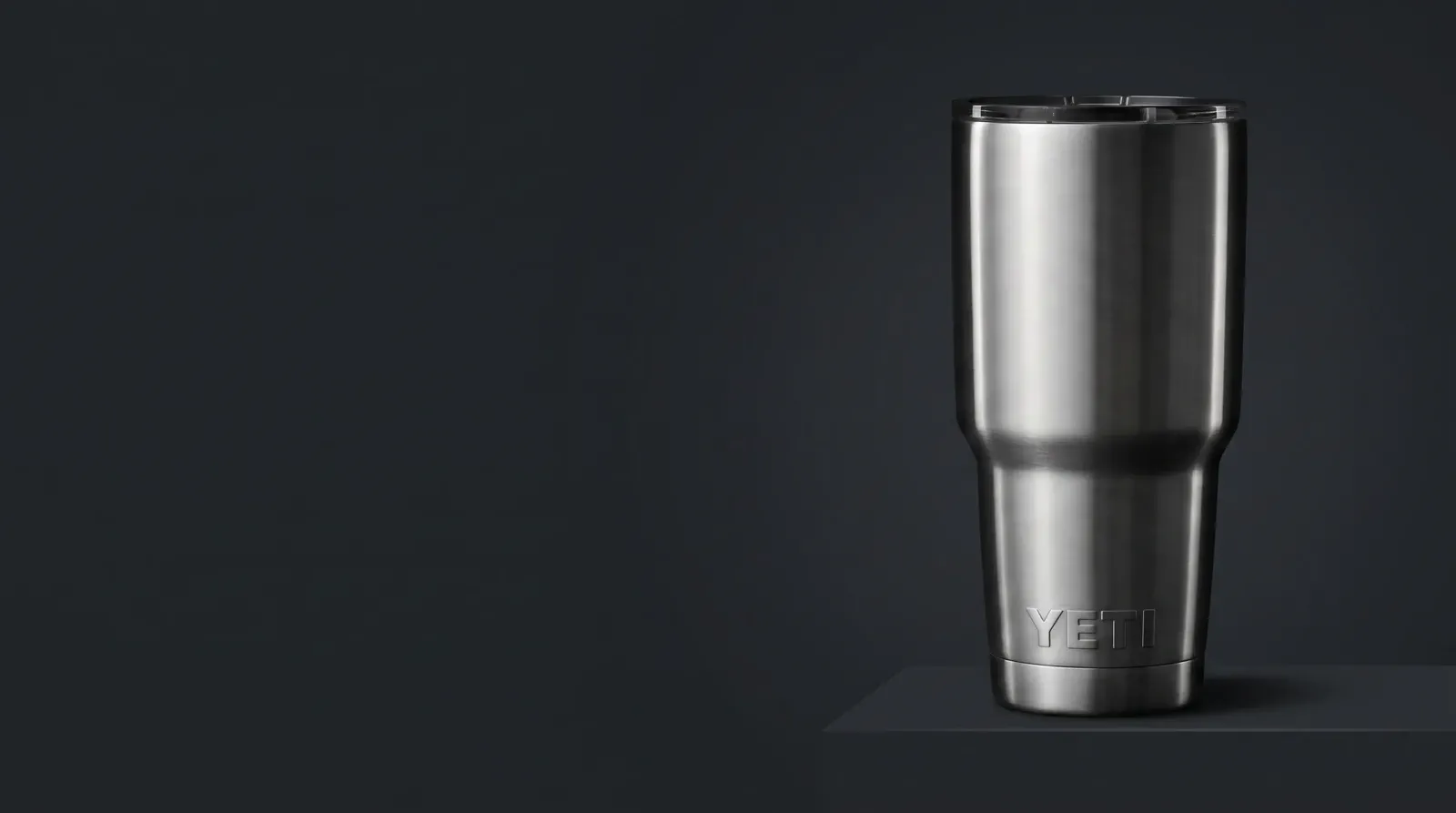
END FRAME
A stainless tumbler uses long highlights, a stable base, and deliberate open space to support a concise campaign message.
CREATE IN ADYVI
This workflow uses a skincare bottle with a different pump, label hierarchy, material, and scale from the hero product. Name the placement, front plane, highlights, shadow, spacing, and crop, then review the result as one composition.
01 · YOUR PRODUCT
 Starting product image
Start with one complete, clear product image that shows the surface that matters.
02 · DESCRIBE THE JOB
“Create a restrained catalog packshot. Keep the complete pump bottle, readable front hierarchy, controlled highlights, even spacing, and a soft grounded shadow.”
BEFORE YOU CREATE
Plan product form, material light, shadow, and final placement together.
A packshot is a product-led commercial composition where silhouette, front plane, material light, shadow, spacing, and crop are designed around a specific placement.
White is one possible background. A packshot is the complete product presentation, including angle, scale, highlights, shadow, and commercial crop. Background removal creates an isolated asset rather than the finished composition.
Use a sharp image with the complete outline, front plane, openings, and material boundaries visible. Choose another angle when the intended package face or construction is hidden.
Use controlled highlights to define glass and metal, broader soft light for matte surfaces, and light that keeps box planes and corners distinct. Ground each form with a restrained shadow.
Choose the commercial slot first. Compact tiles need even spacing and strong outline; product detail needs more scale; wide end frames need a stable product anchor and useful copy space.
CREATE WITH ADYVI
Start with one product, one placement, and one complete visual direction.